Log a visitor
Log every customer who walks in, whether or not they buy. It tells the shop where its customers come from.
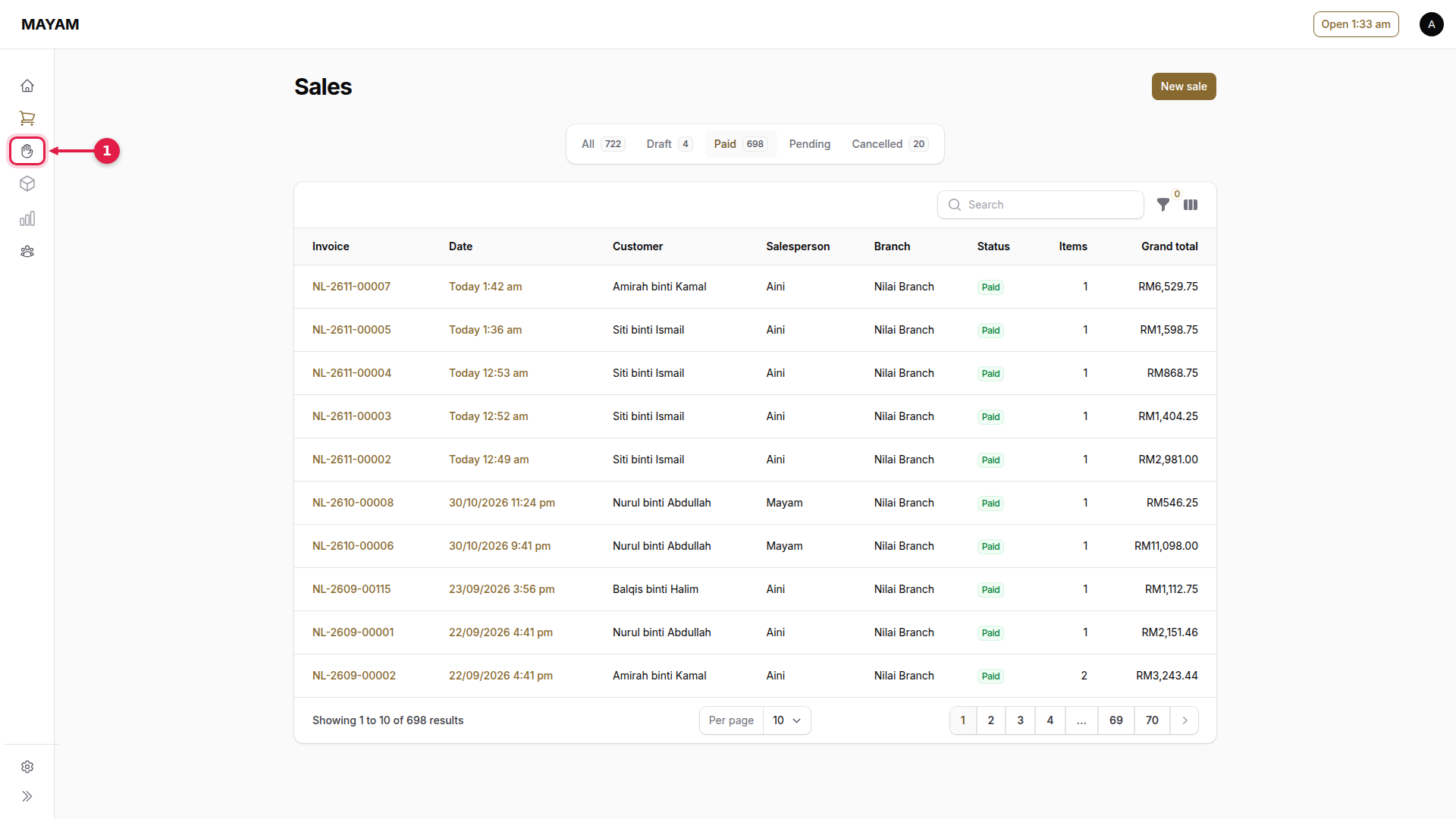
1. Press Visitors
The hand icon in the menu (on a phone, the round button at the bottom).
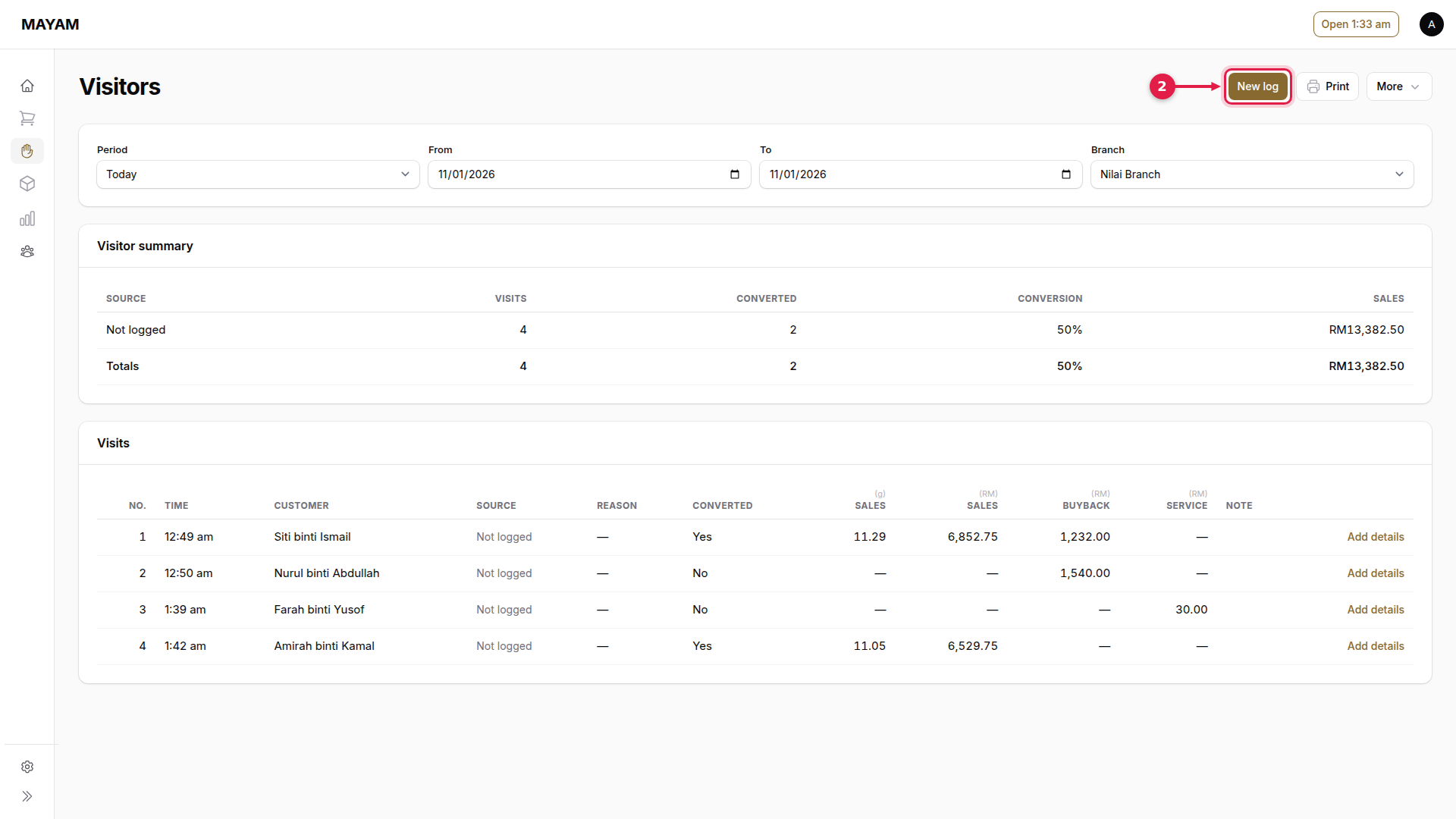
2. Press New log
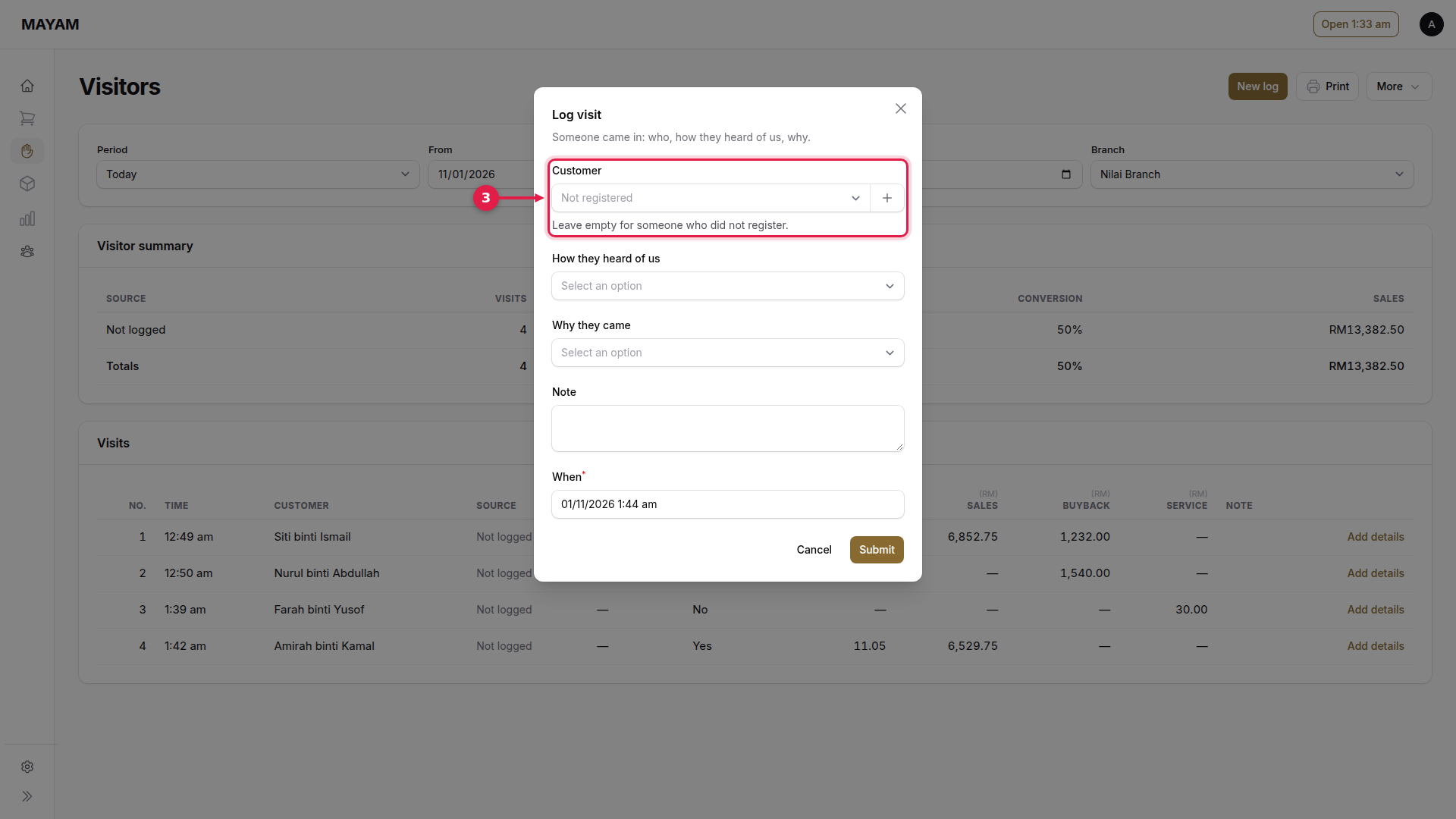
3. Choose the customer
Search for a registered customer, or leave it empty for someone who did not register.
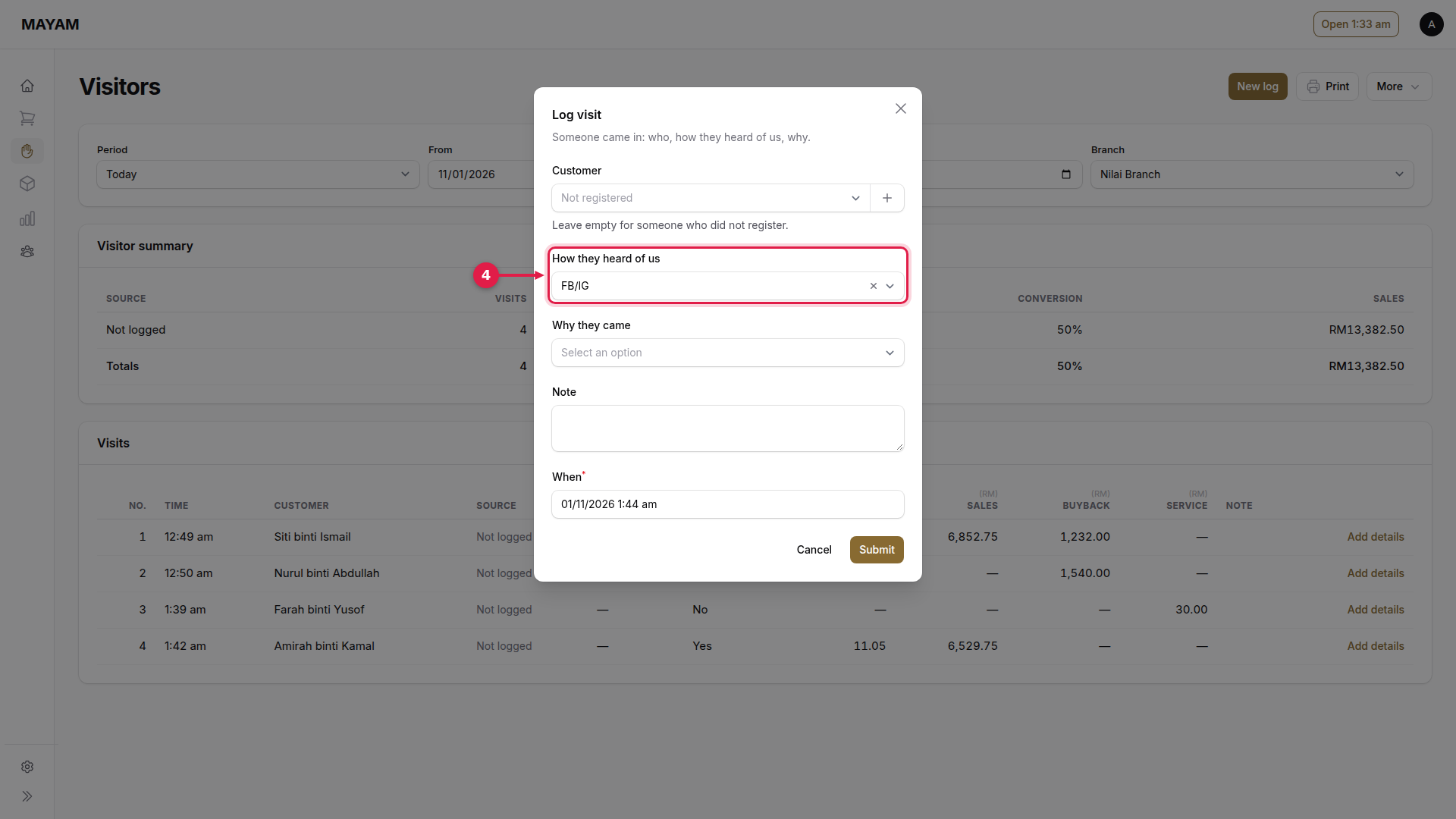
4. Choose how they heard of us
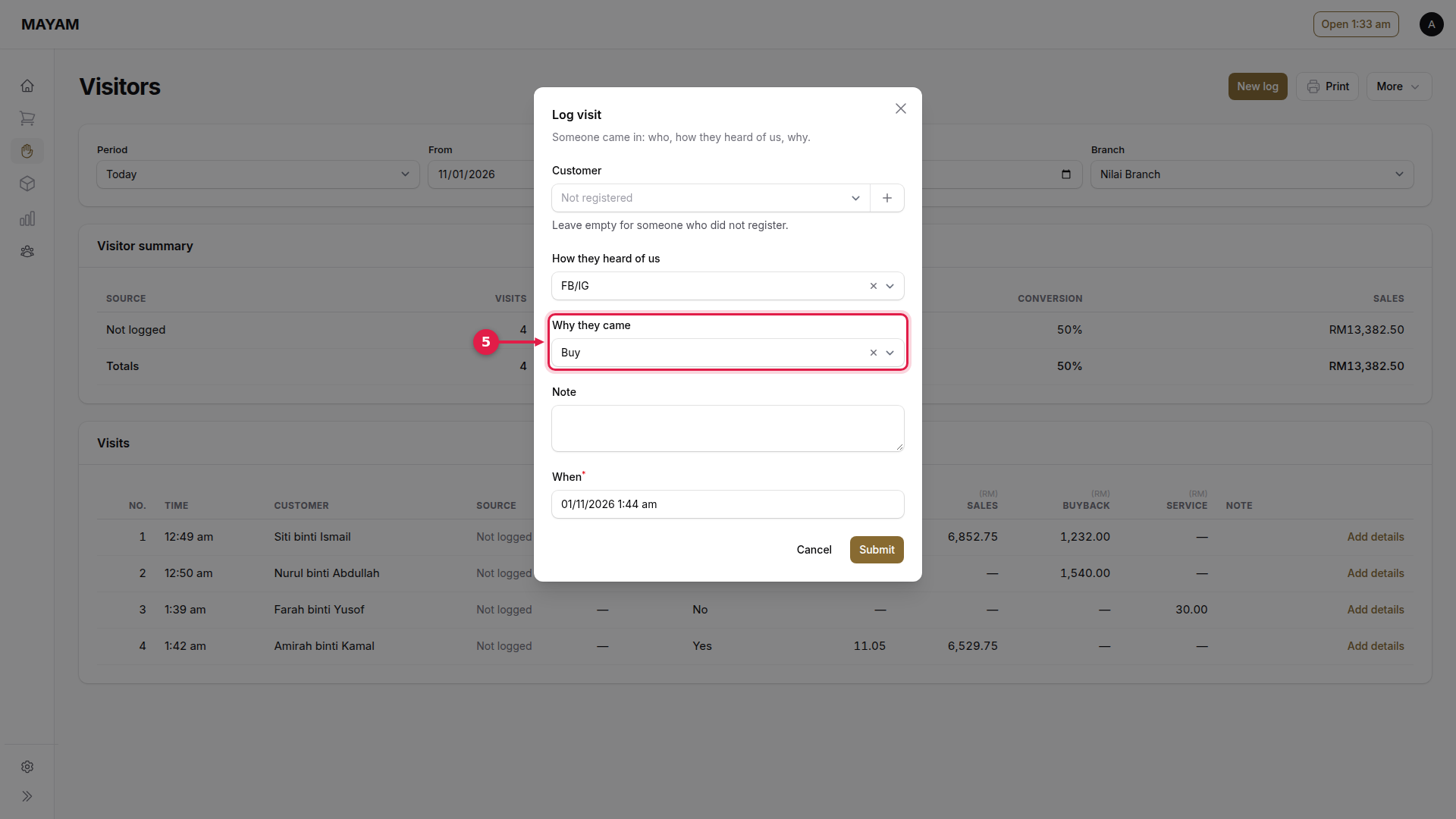
5. Choose why they came
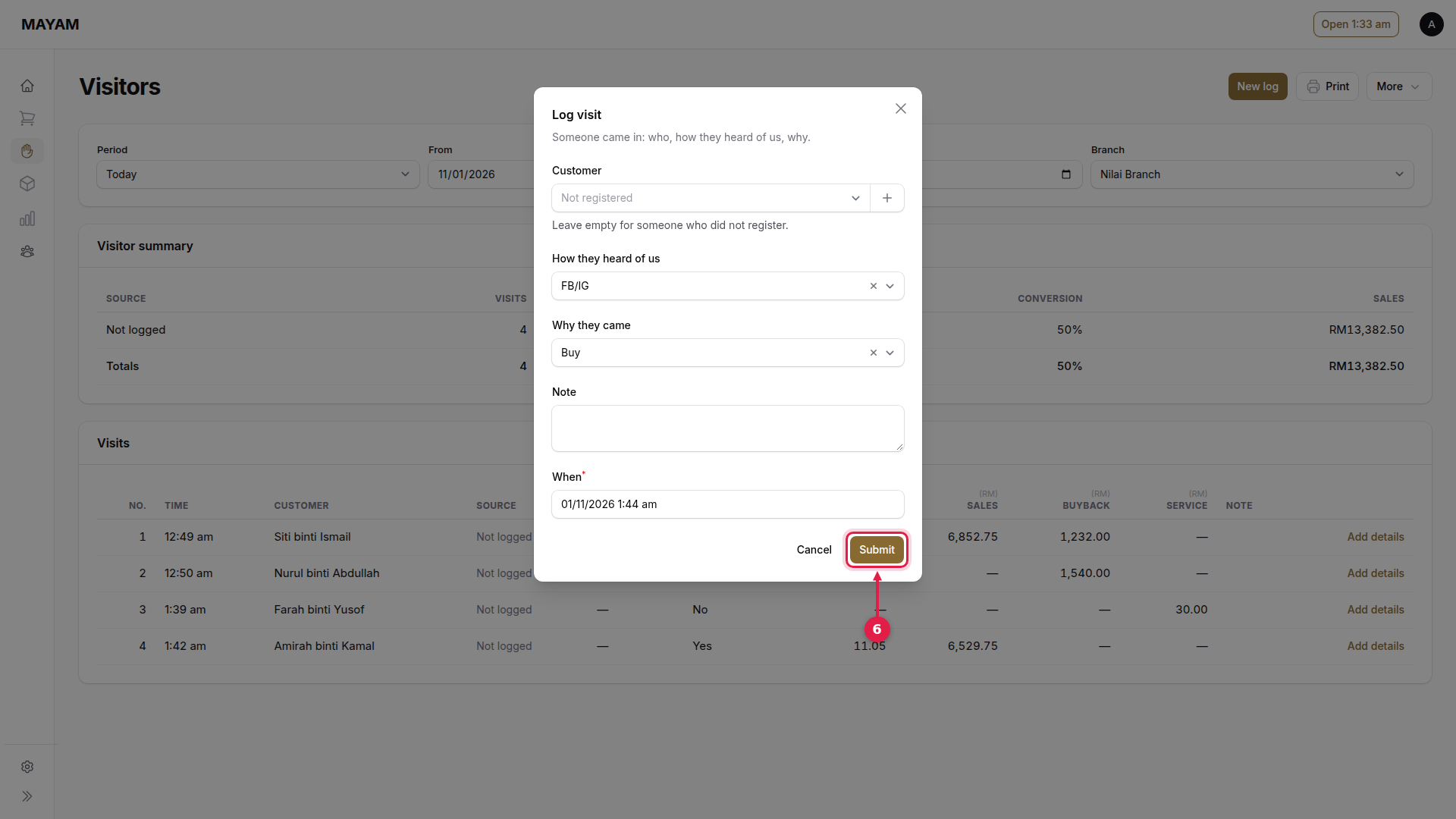
6. Press Submit
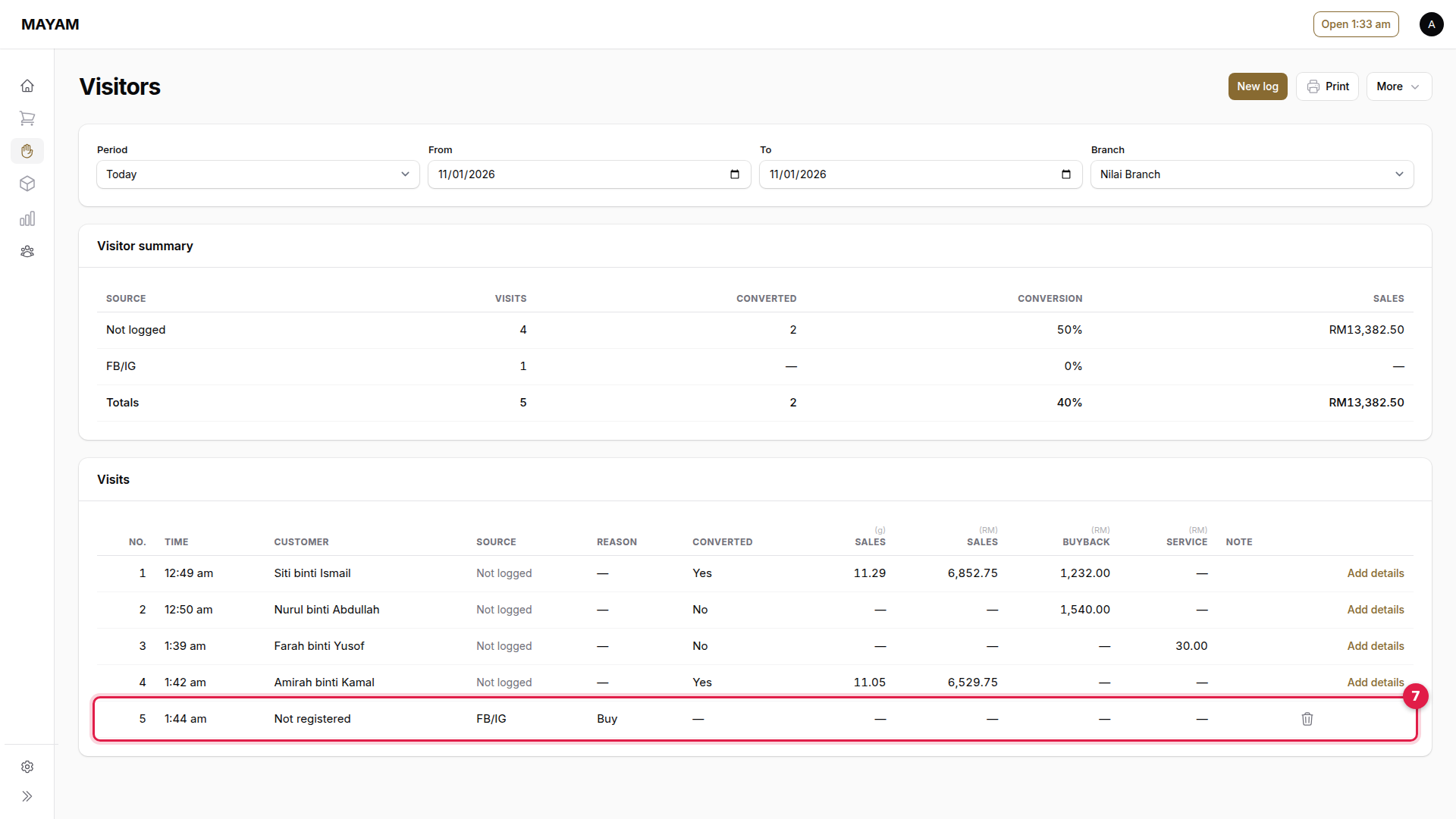
7. Check the visit is listed