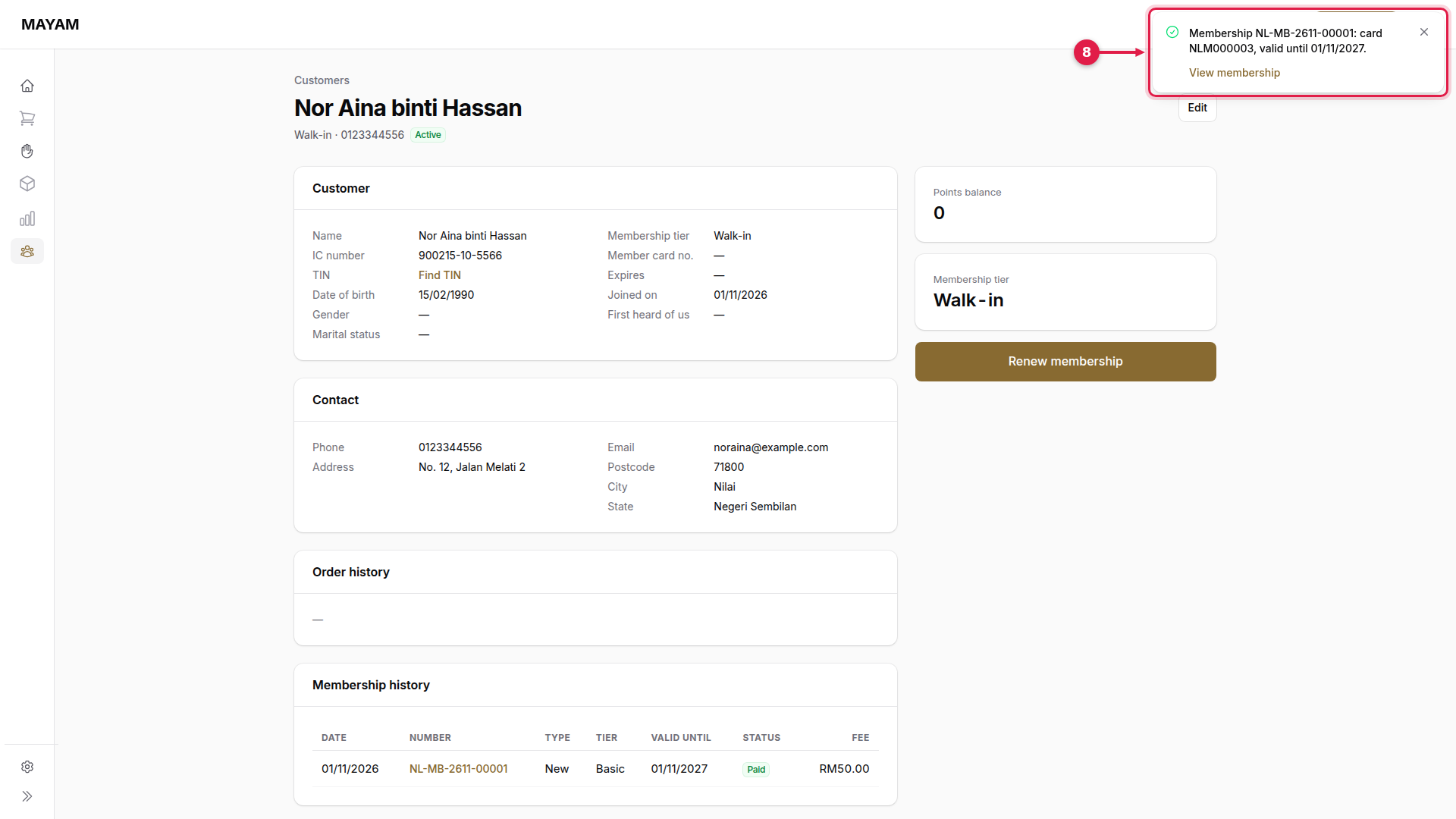
Register a member
Make a customer a member, or renew their membership, from their page. It can also be done on a sale with Add misc → Membership.
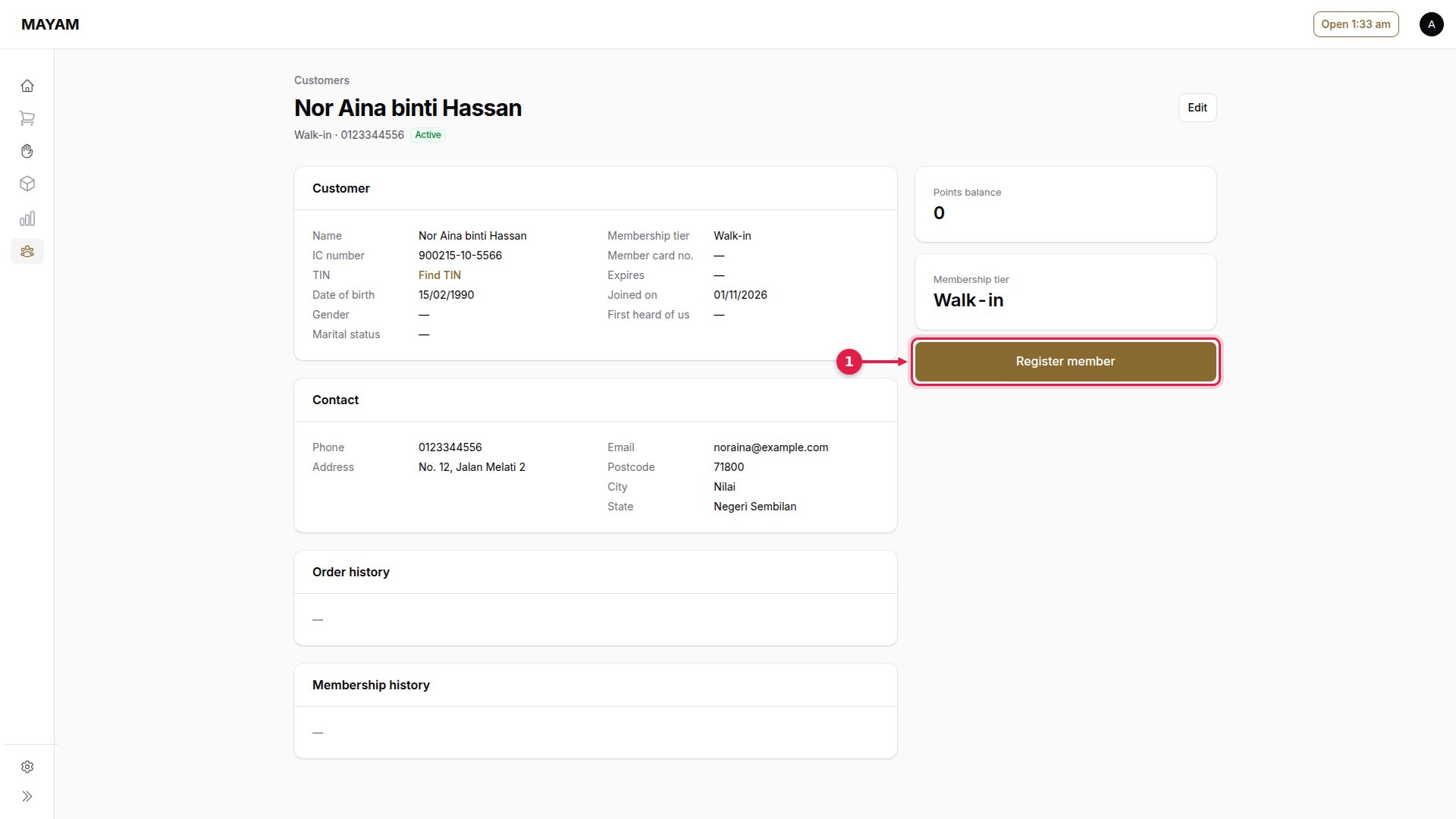
1. Press Register member
Open the customer's page and press Register member (or Renew membership).
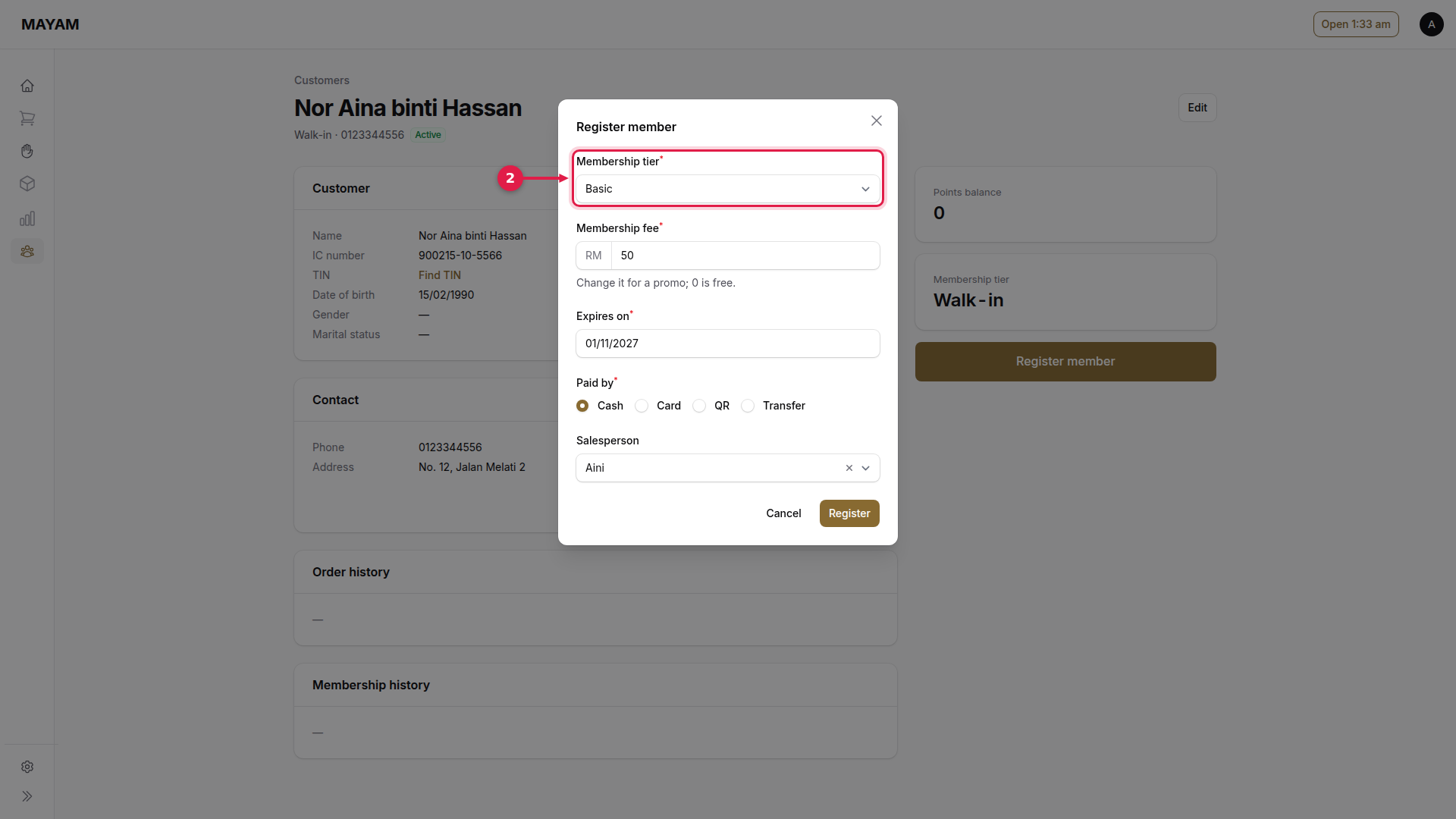
2. Choose the tier
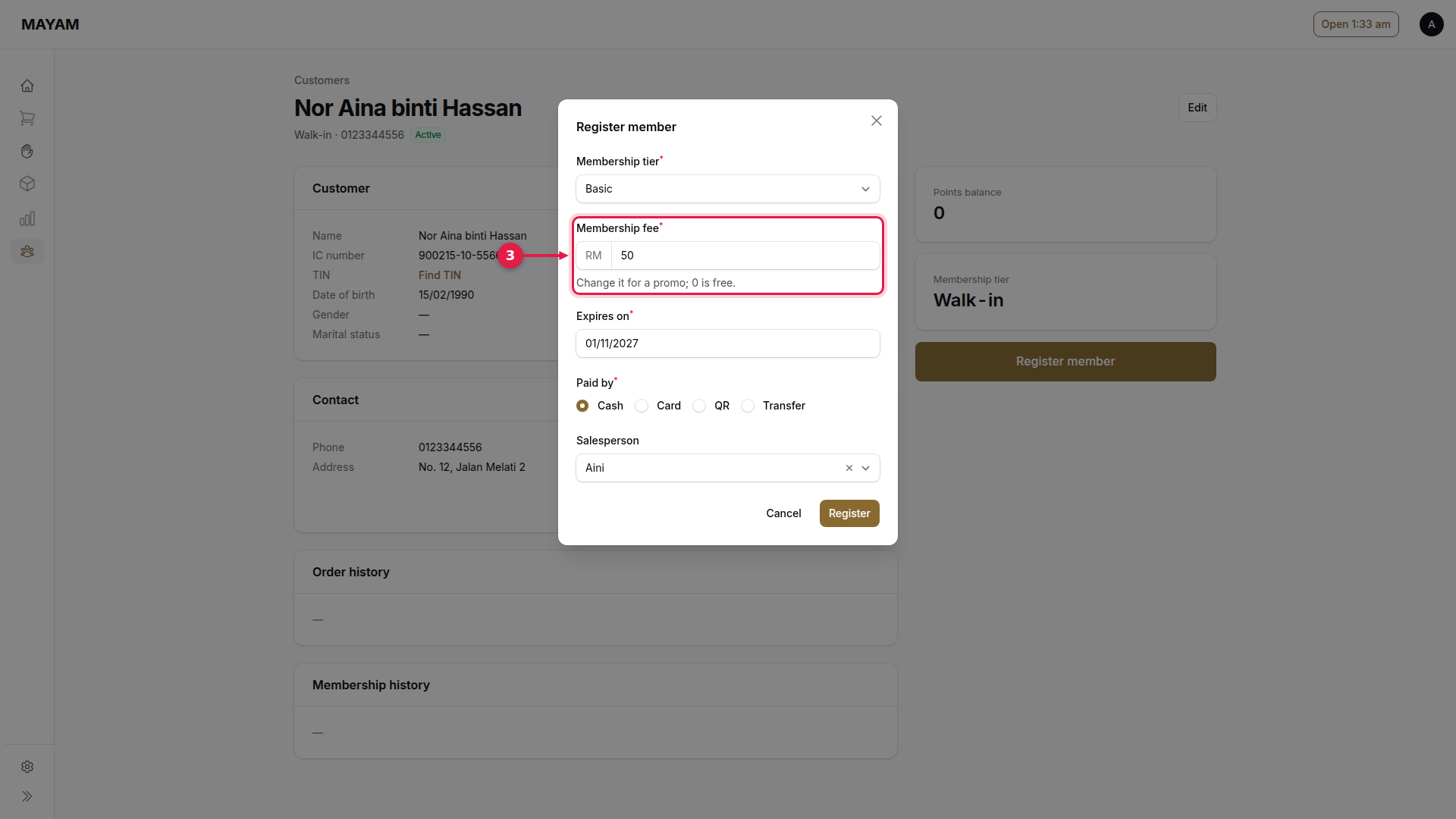
3. Check the fee
Change it for a promotion; 0 is free.
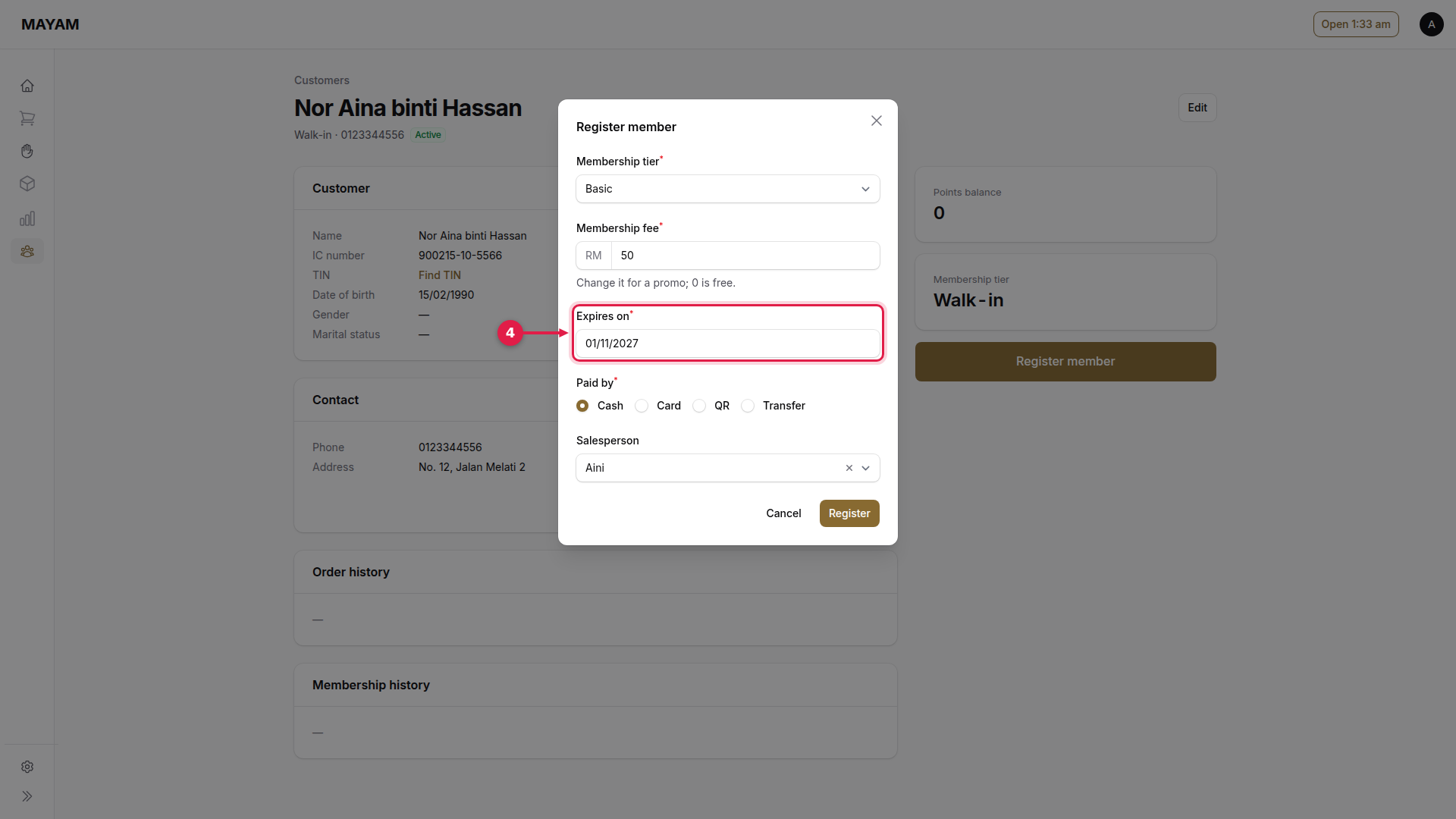
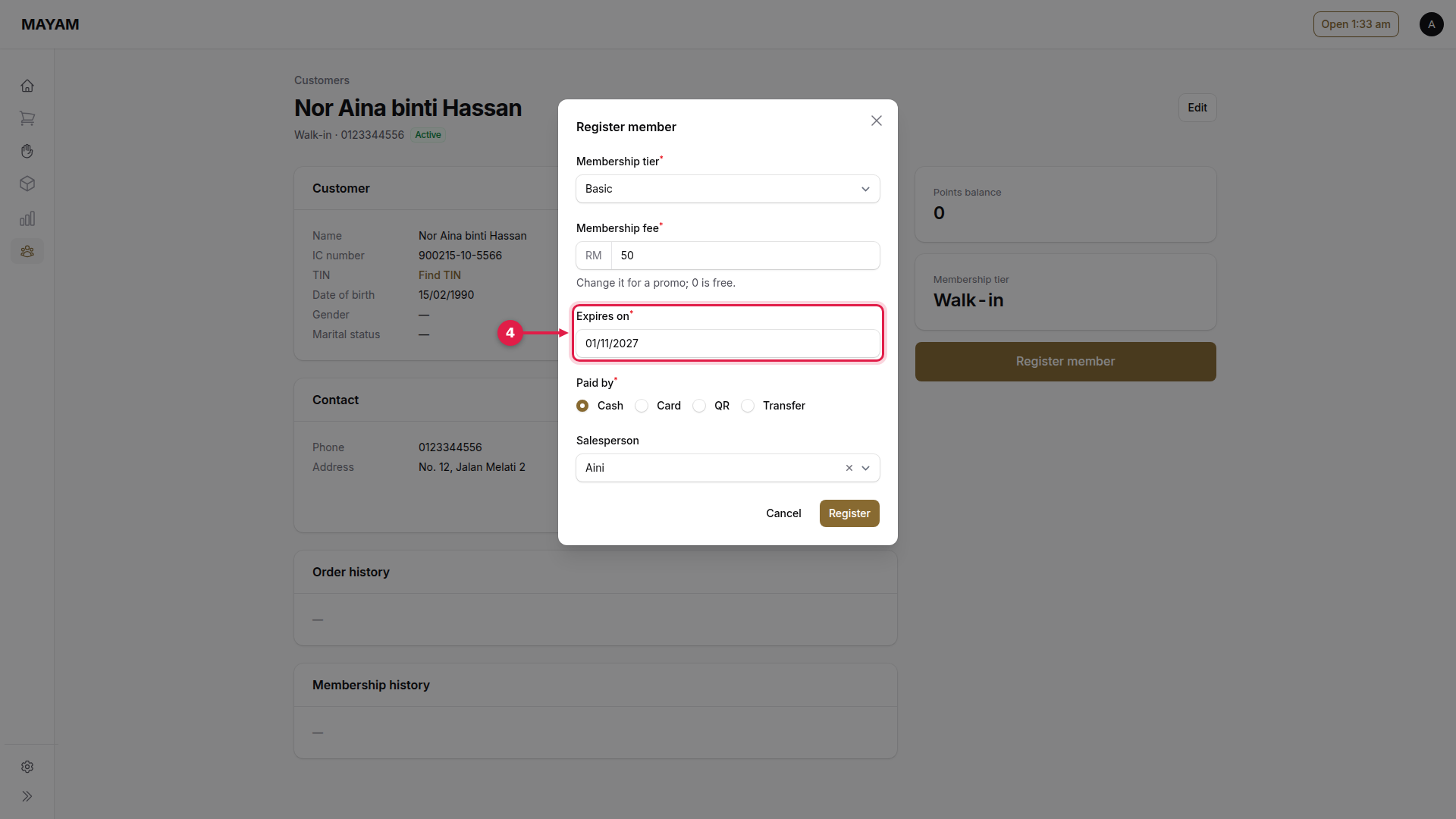
4. Choose when it expires
5. Choose how the fee is paid
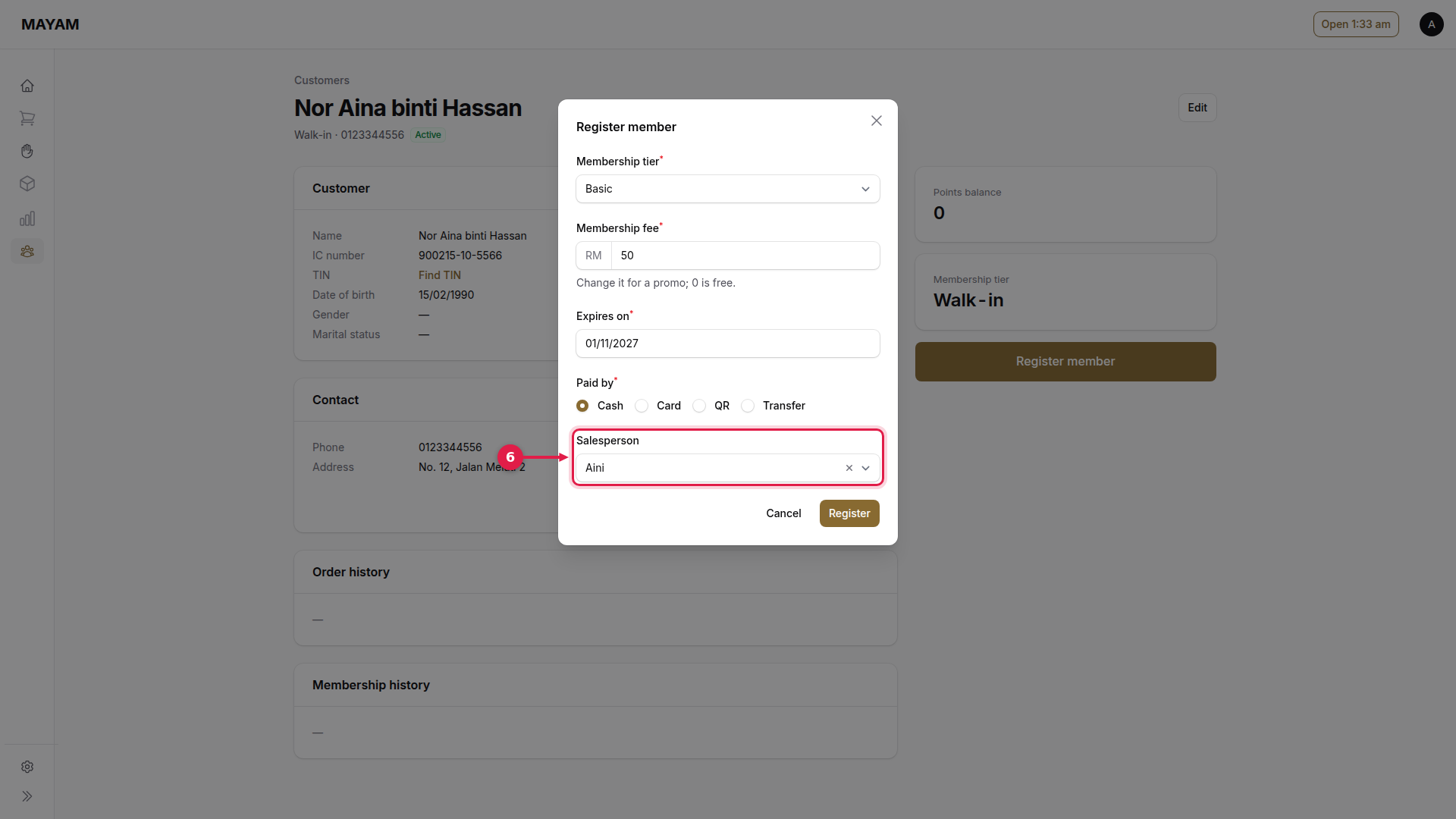
6. Choose the salesperson
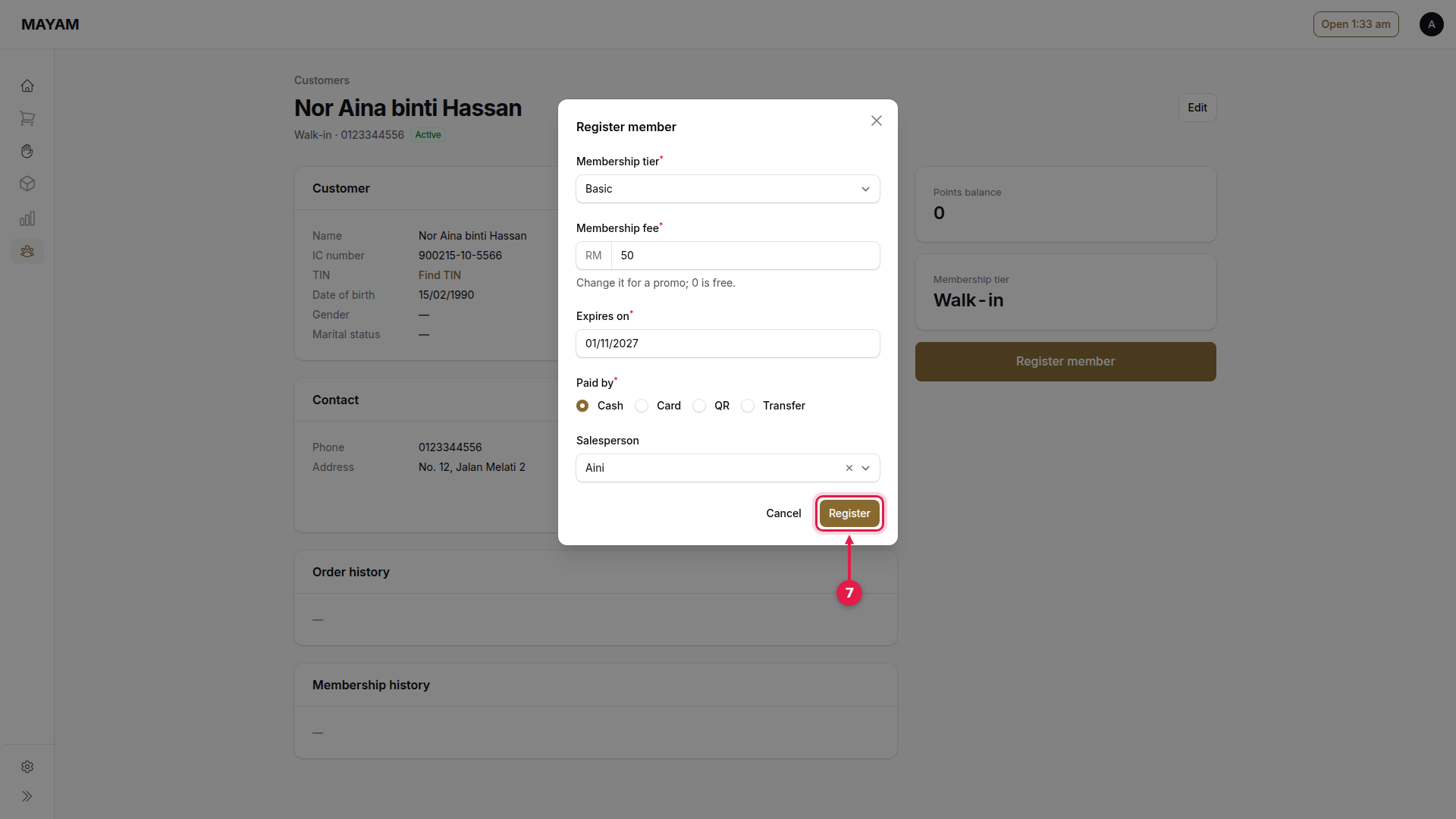
7. Press Register
8. Check the card number
Mayam confirms the membership number, the card number and its expiry. Print the membership slip from View membership.