Find a piece and print its tag
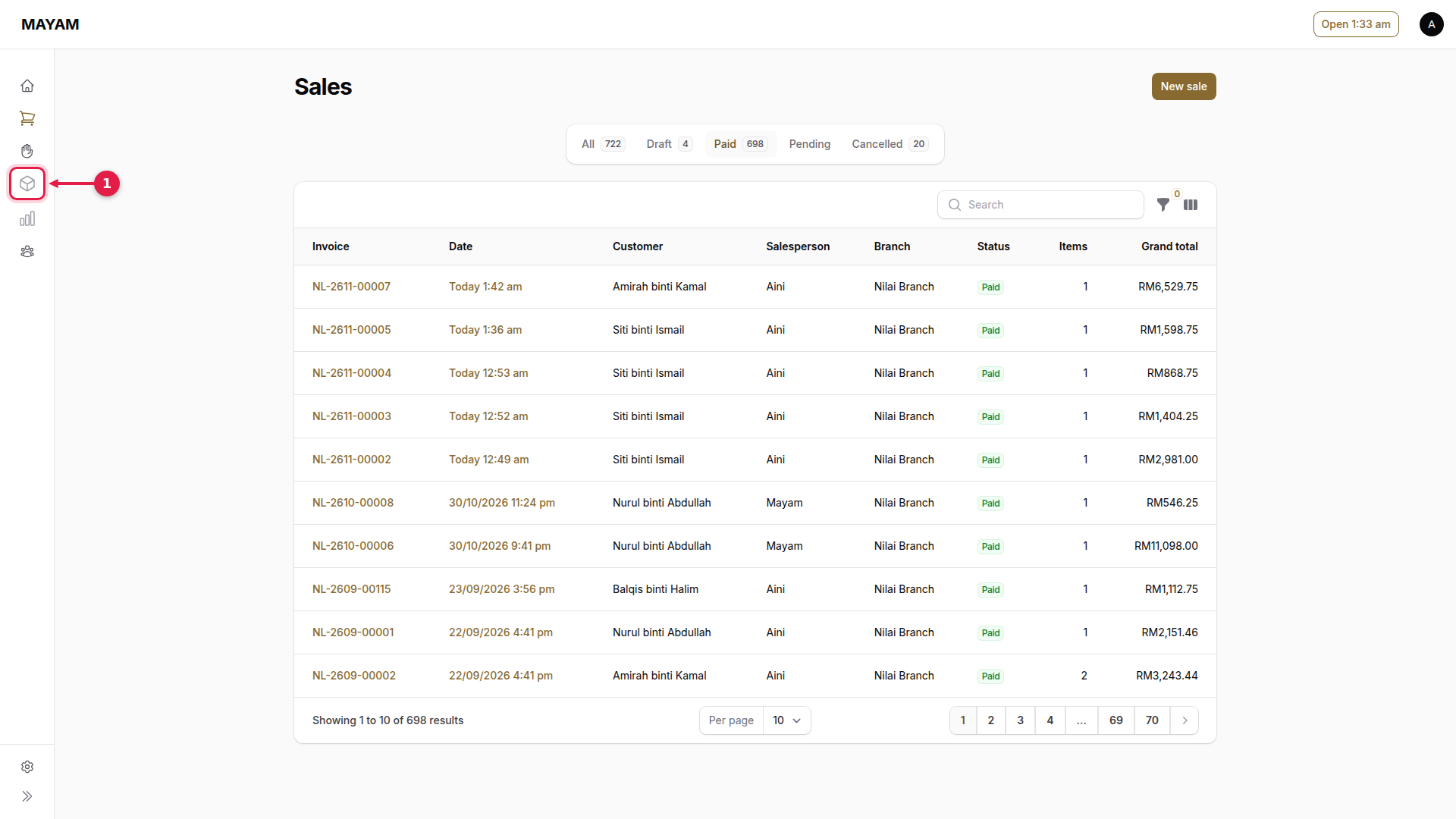
1. Press Inventory
The box icon in the menu.
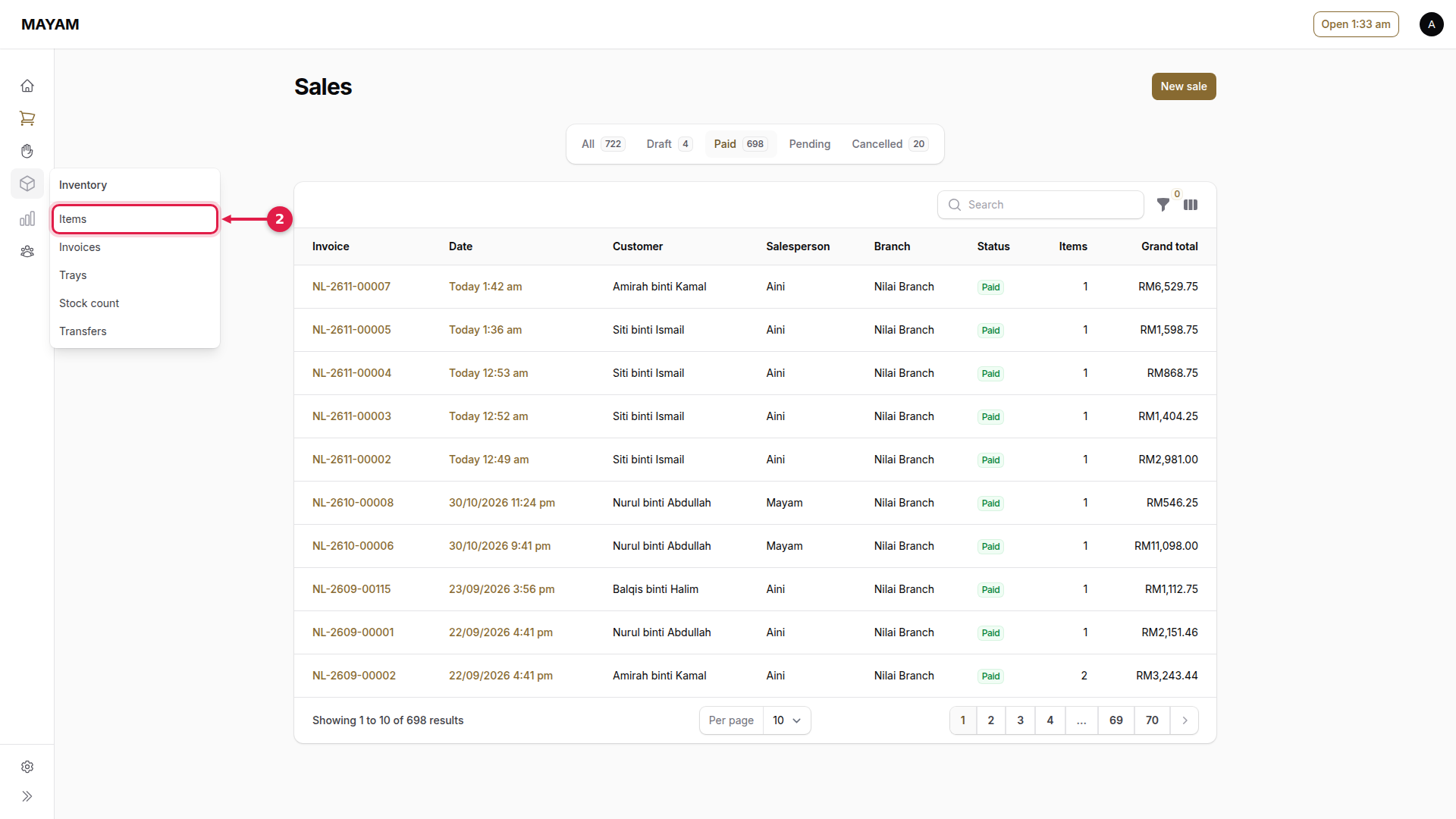
2. Press Items
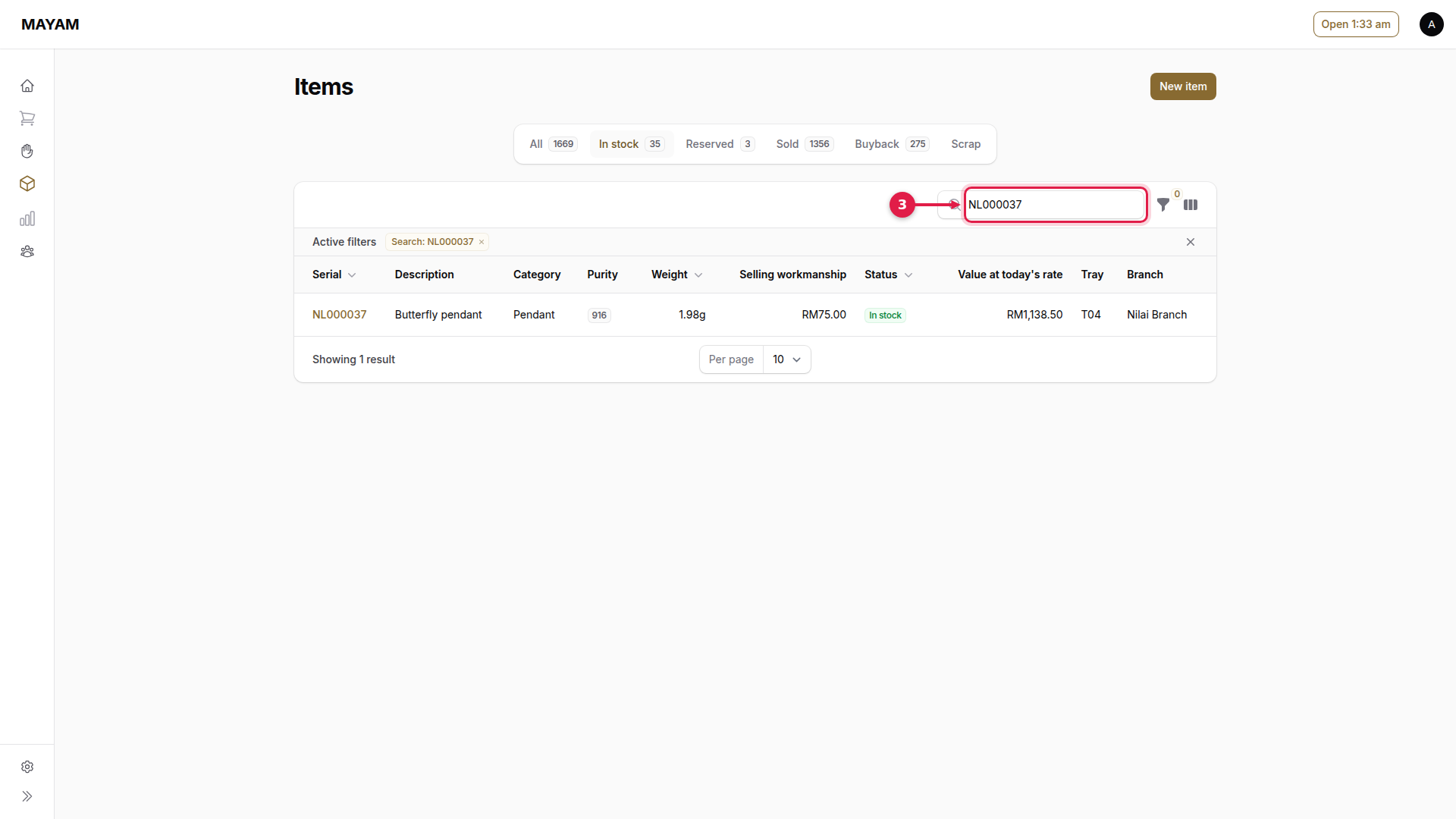
3. Search for the piece
Type or scan its serial, or part of its description.
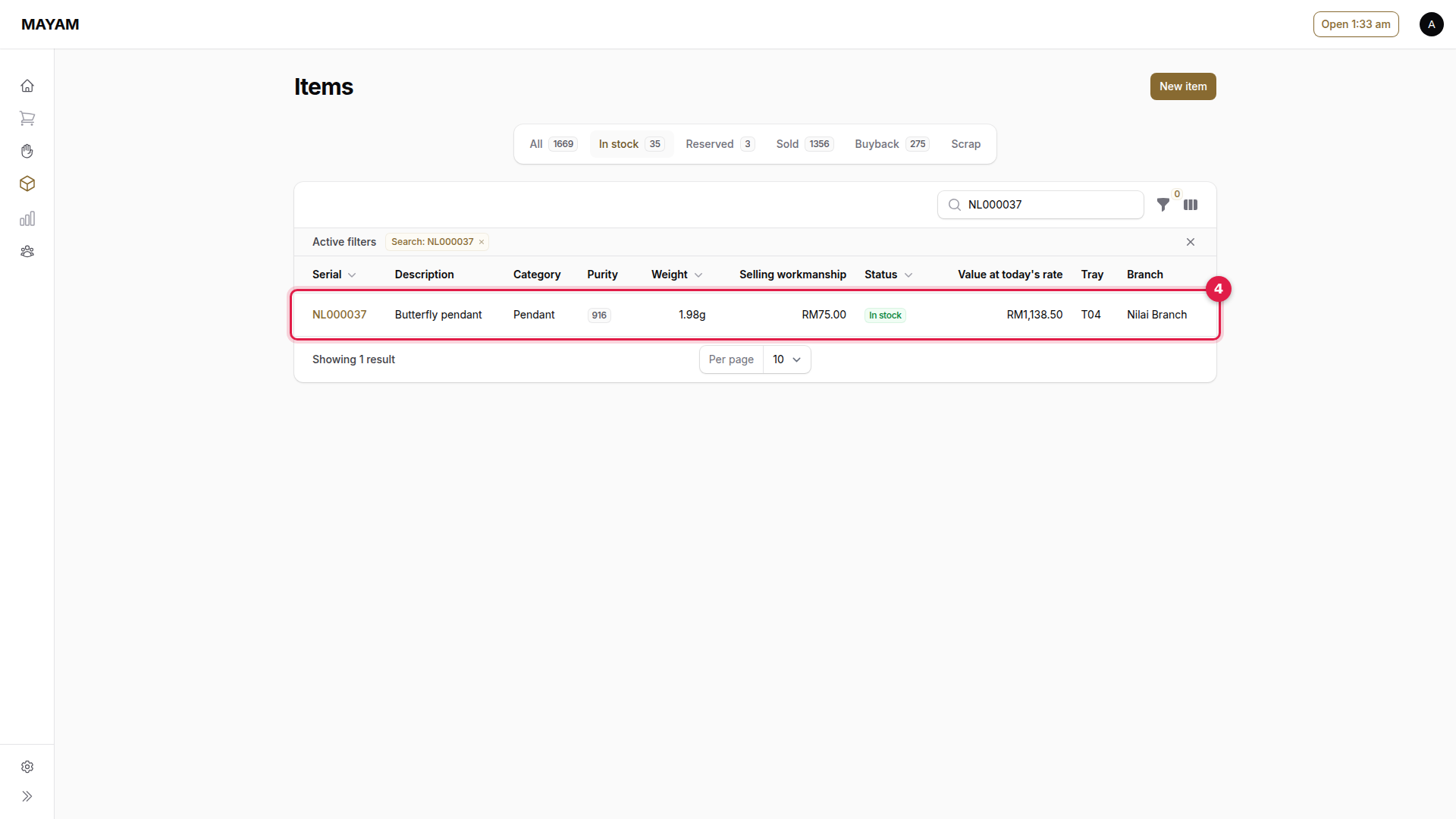
4. Open the piece
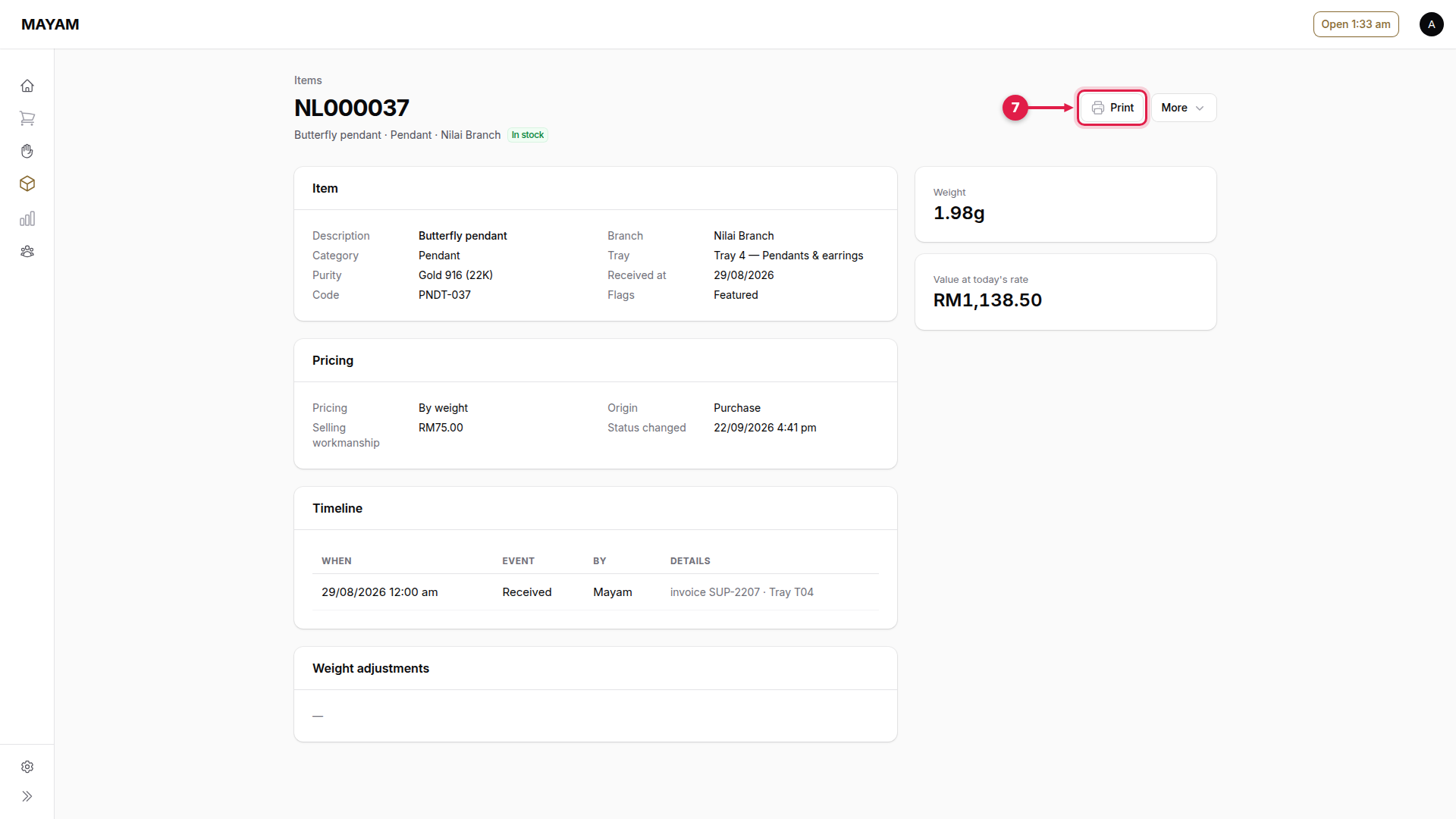
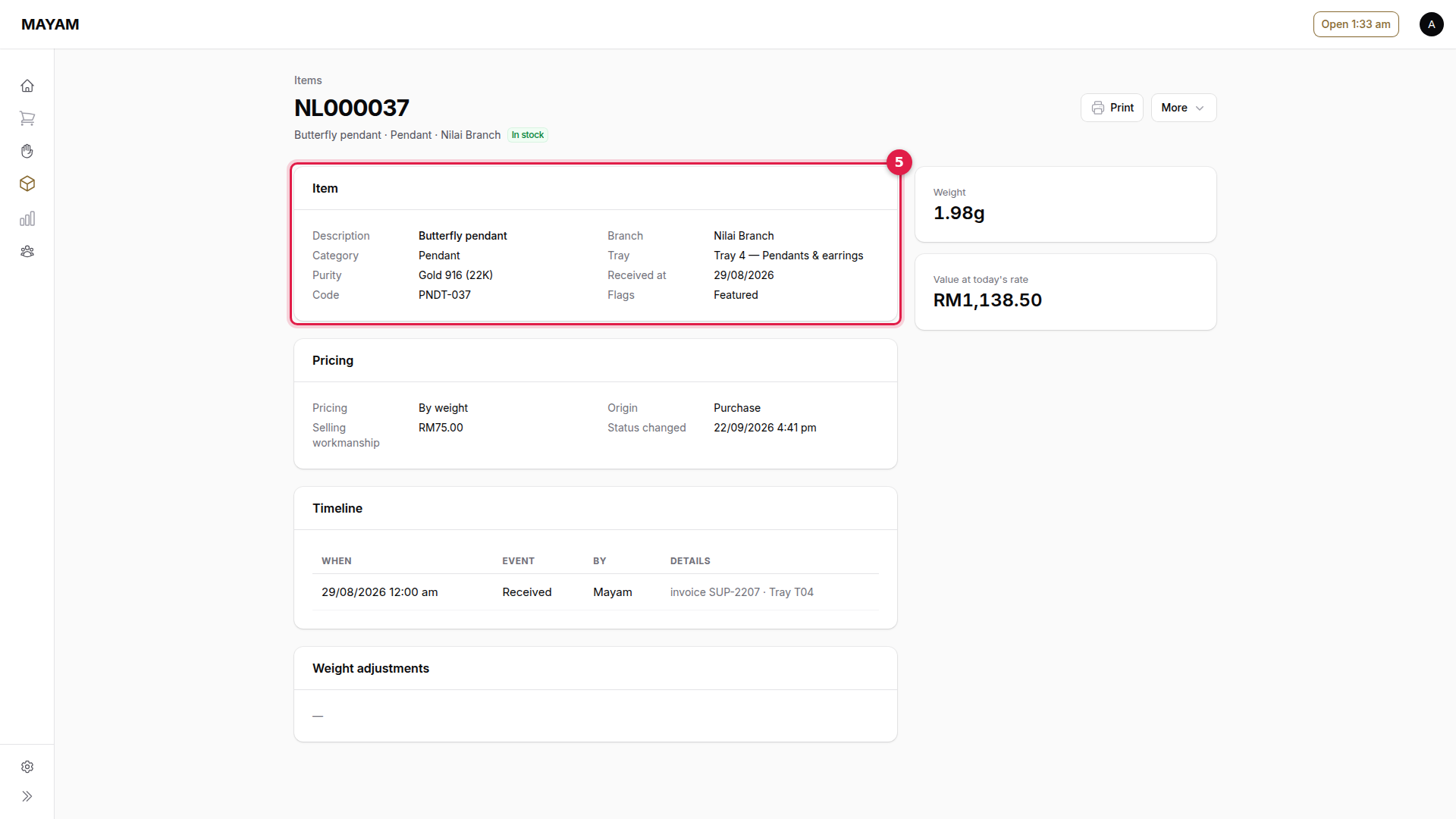
5. Check its details
Purity, weight, tray, outlet and status.
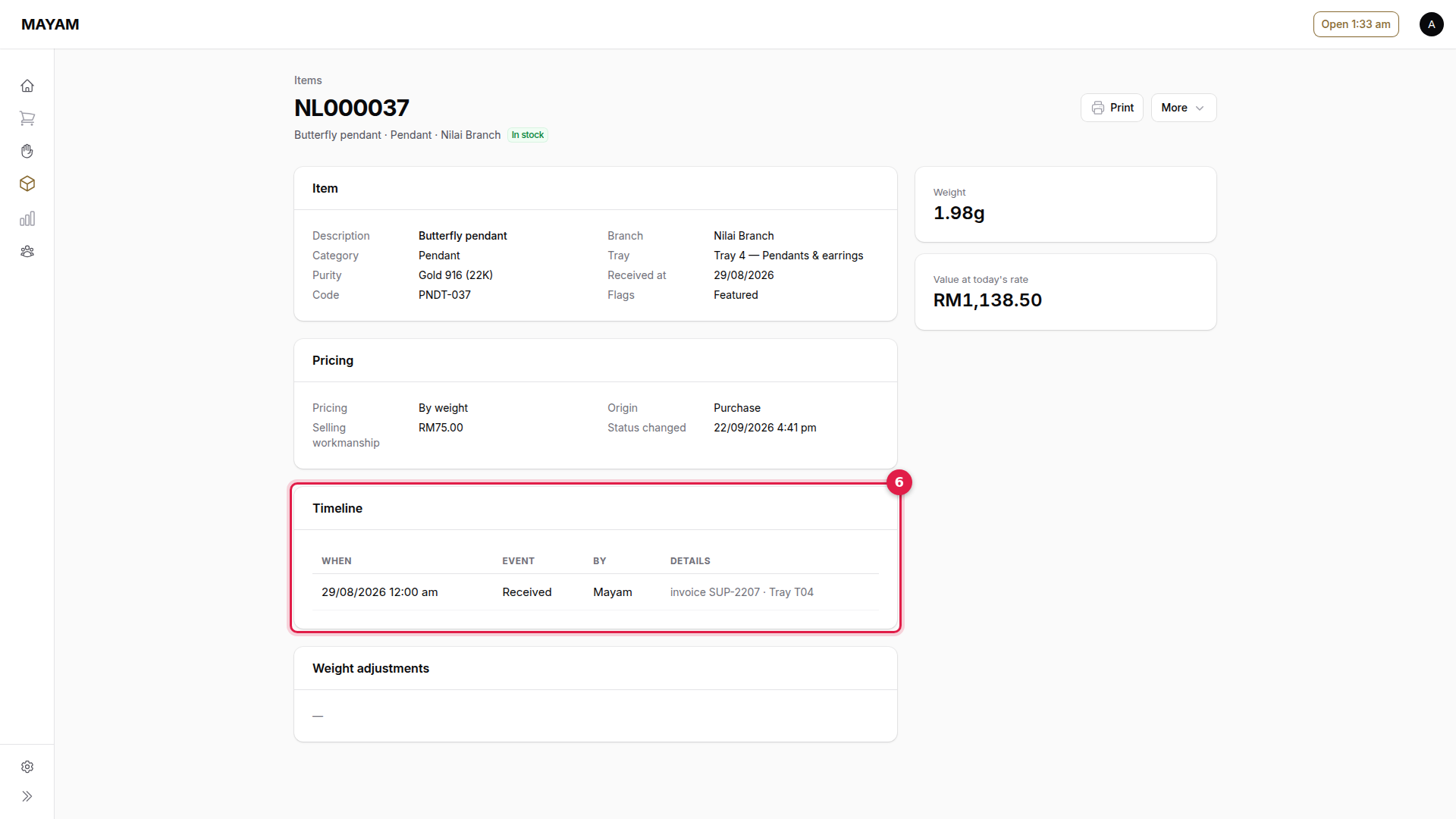
6. Check its history
Timeline shows when it was received, moved, sold or bought back.
7. Press Print
Prints a new barcode tag for the piece.