Trade in gold on a sale
When a customer brings old gold to put towards a purchase, take it in on the sale's Trade-in card. Its value comes off what the customer pays, and a buyback voucher is made for it automatically.
Start the sale as in Make a sale: choose the customer and add the pieces they are buying. The customer needs an IC on file.
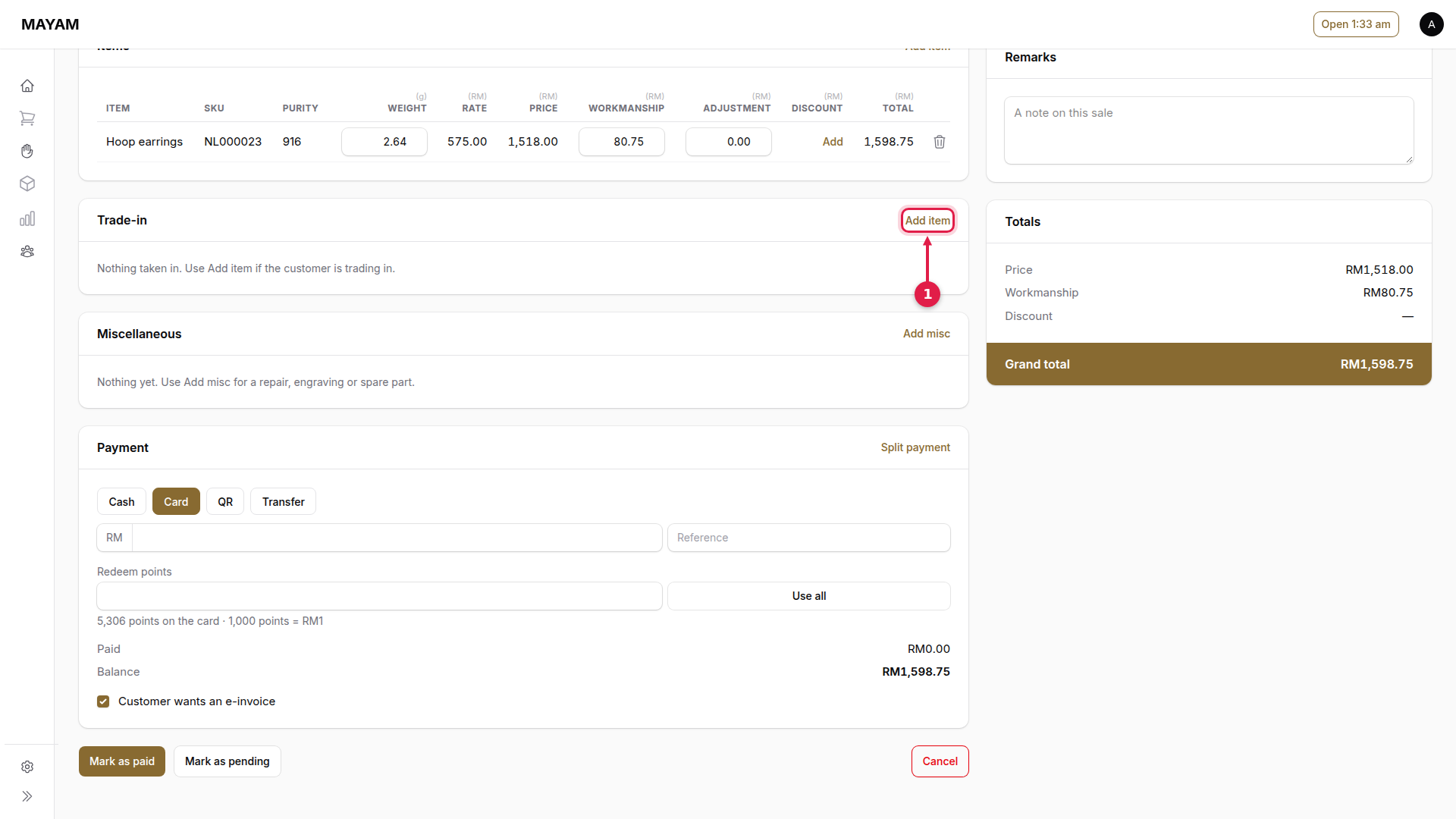
1. Press Add item in the Trade-in card
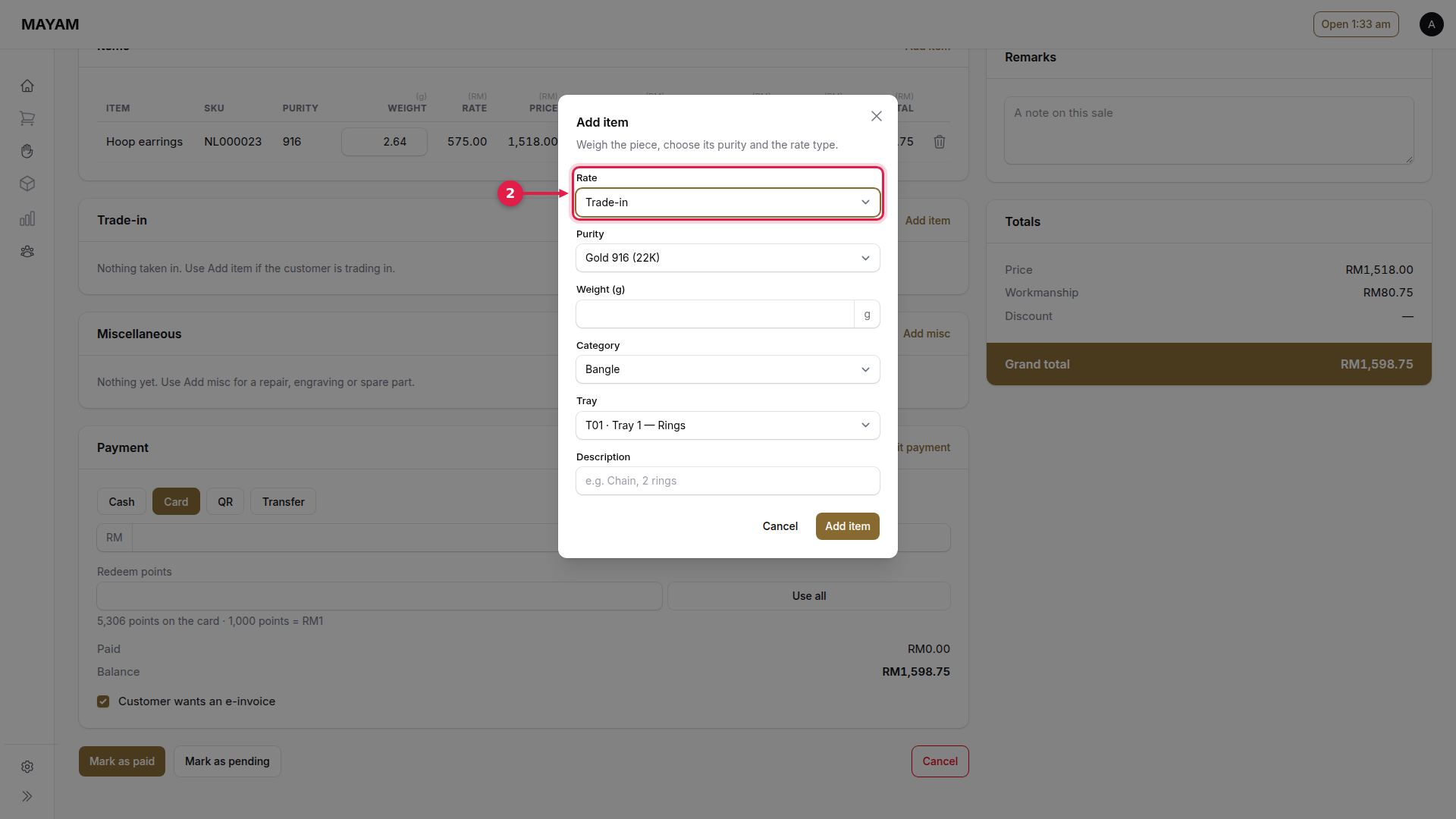
2. Choose the rate
Trade-in for gold traded against this sale. Buyback and Cut are also there when the shop's rule calls for them.
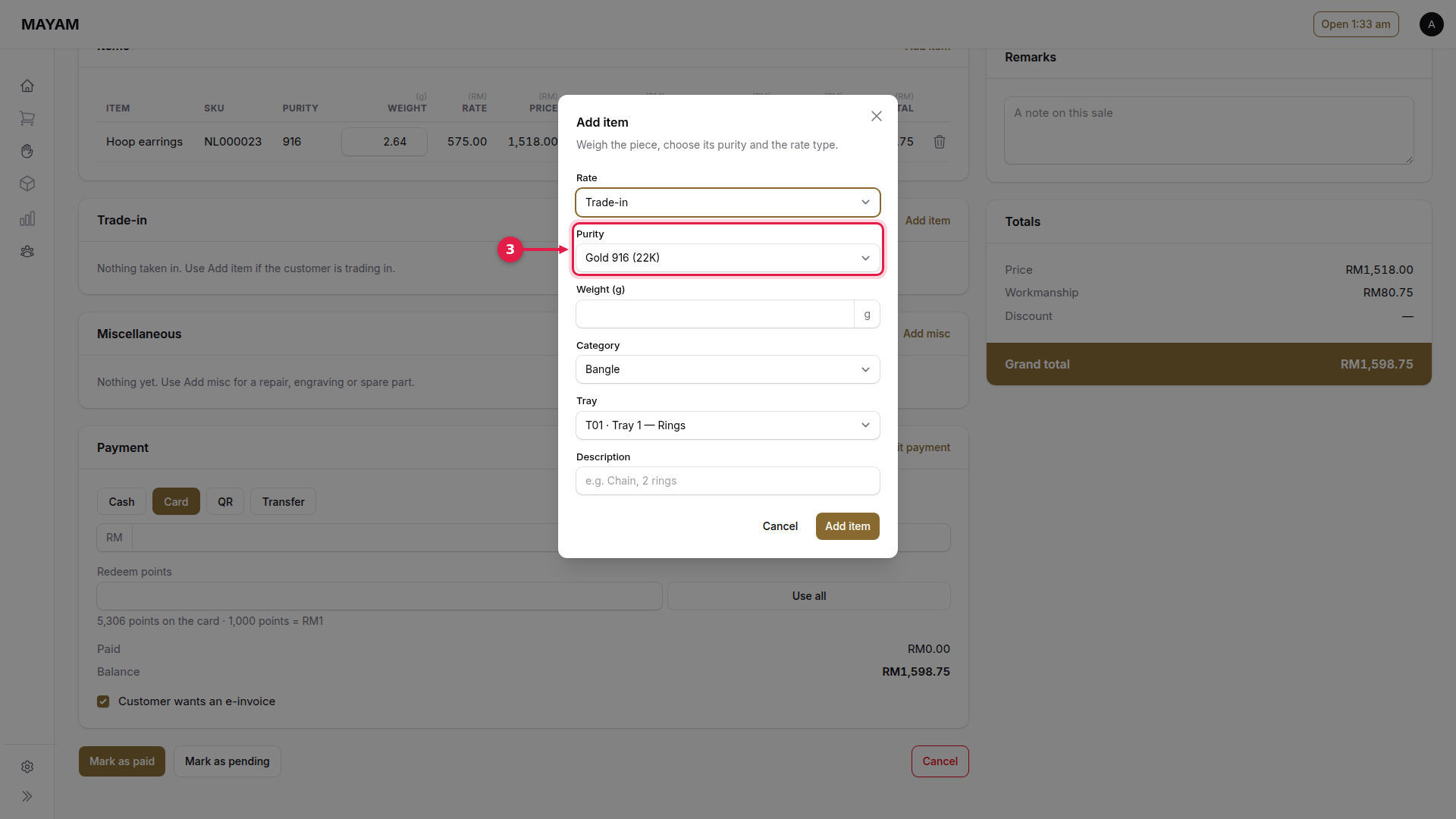
3. Choose the purity
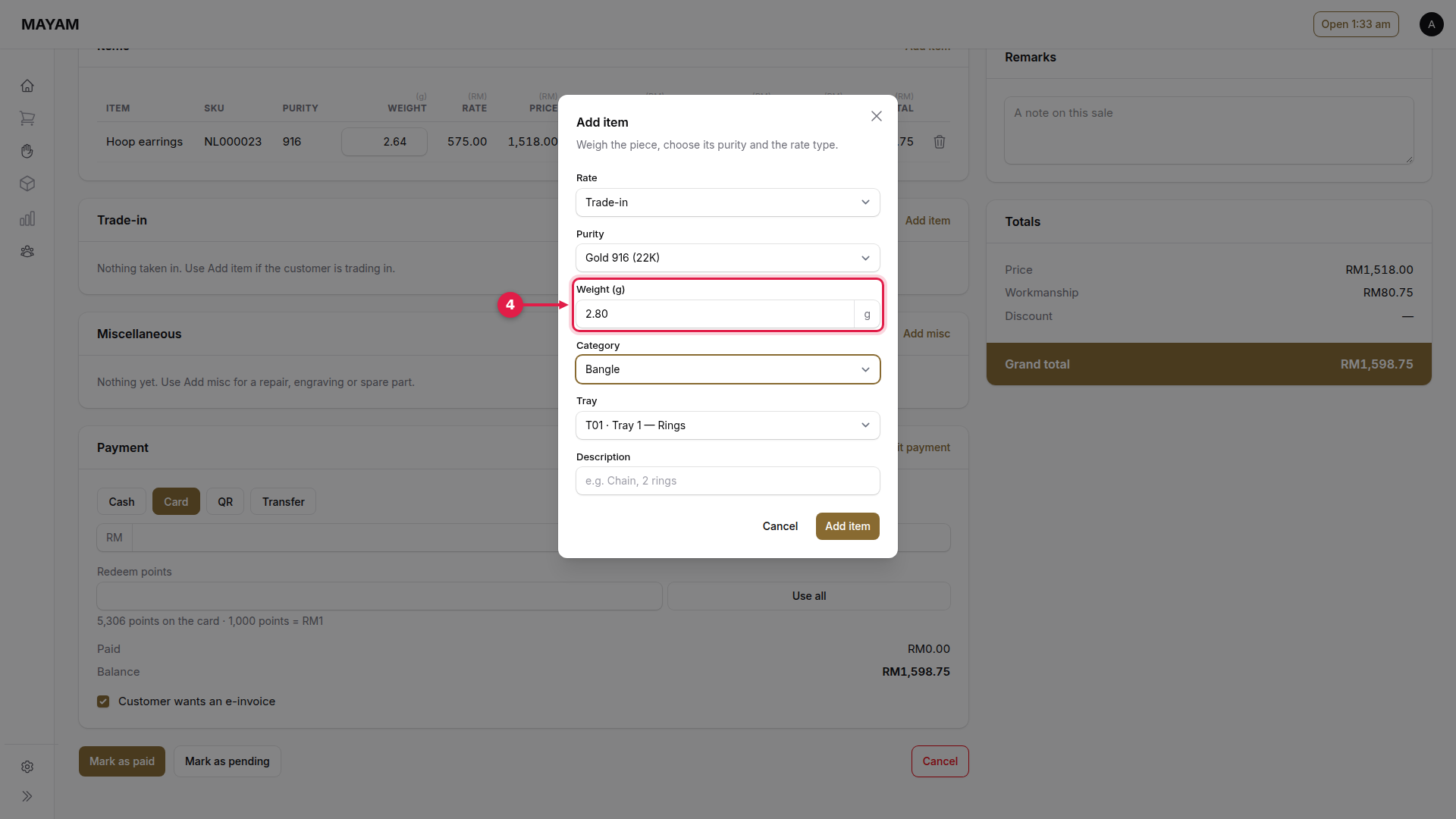
4. Key the weight
As shown on the scale.
5. Choose the category
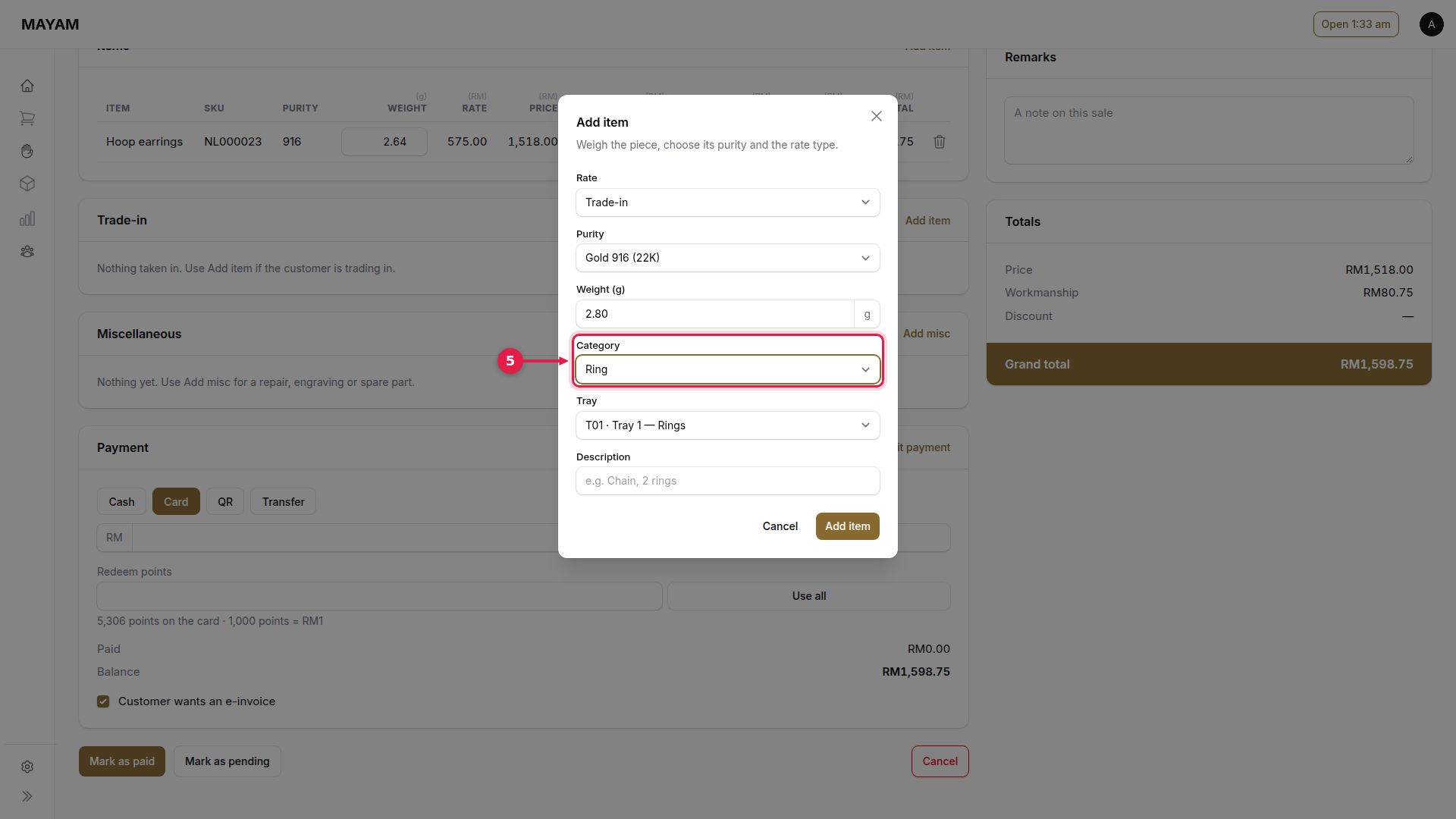
6. Choose the tray
Where the piece goes.
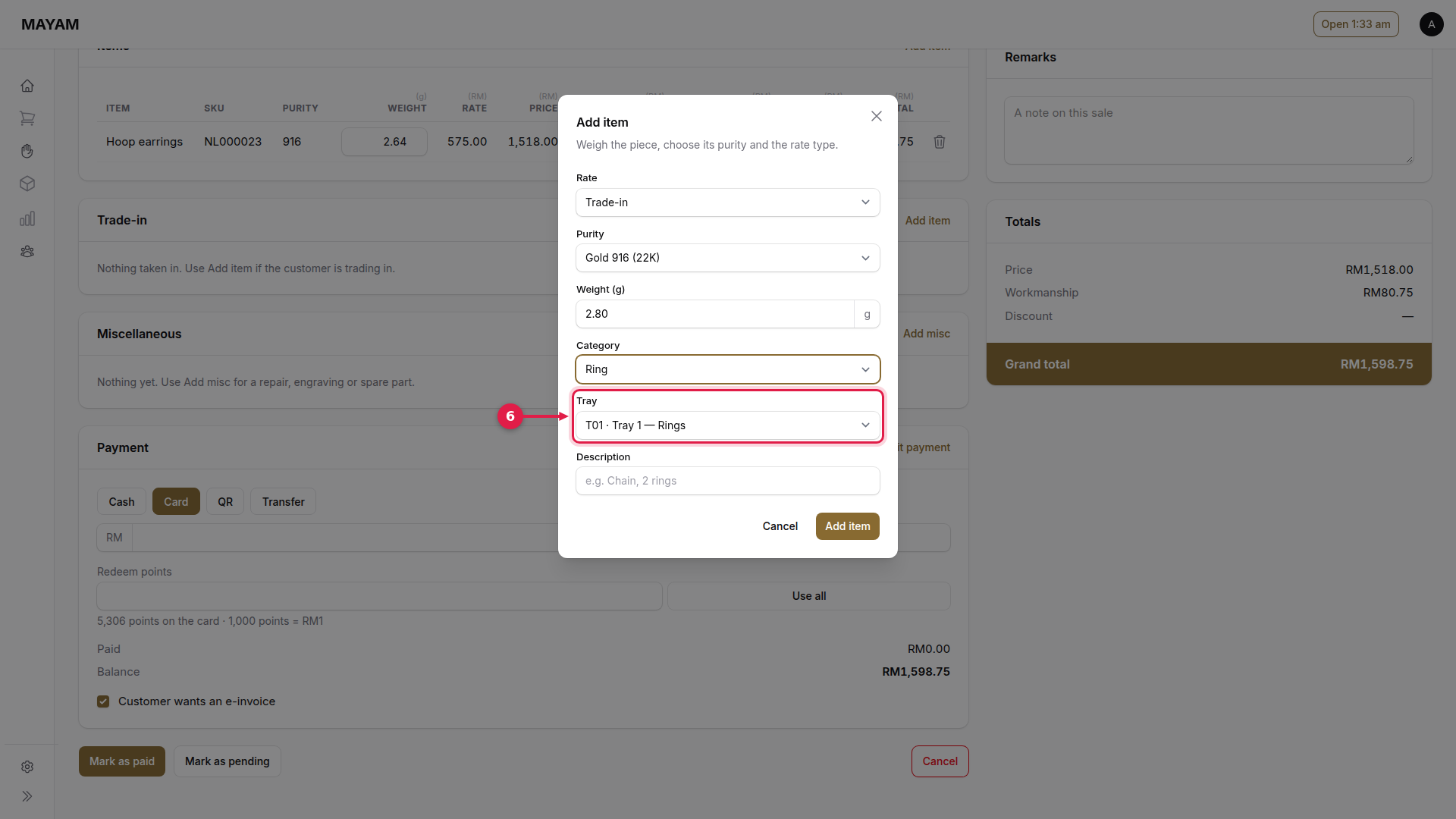
7. Press Add item
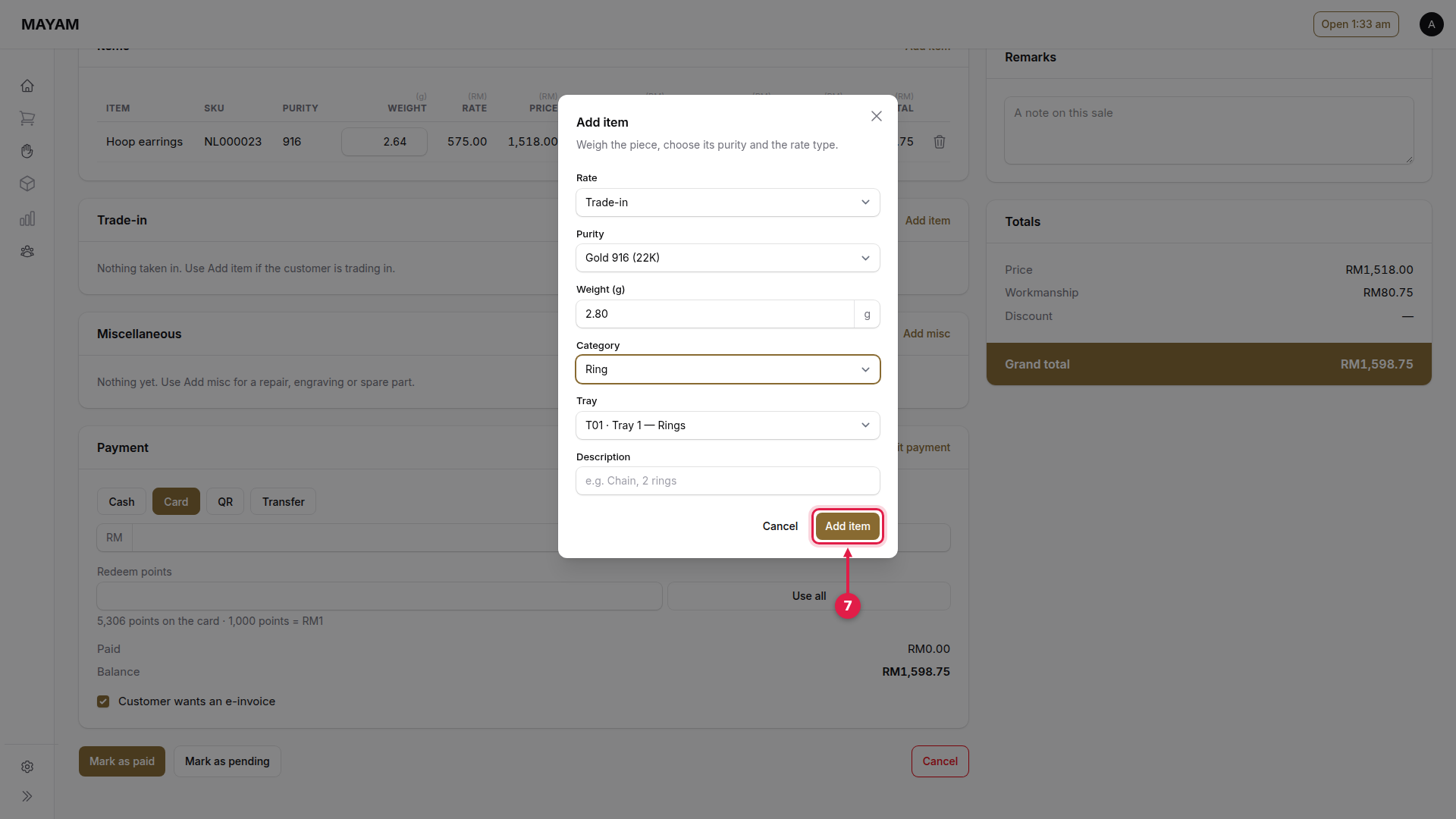
8. Check the trade-in line
The gold, its weight, the rate and its value.
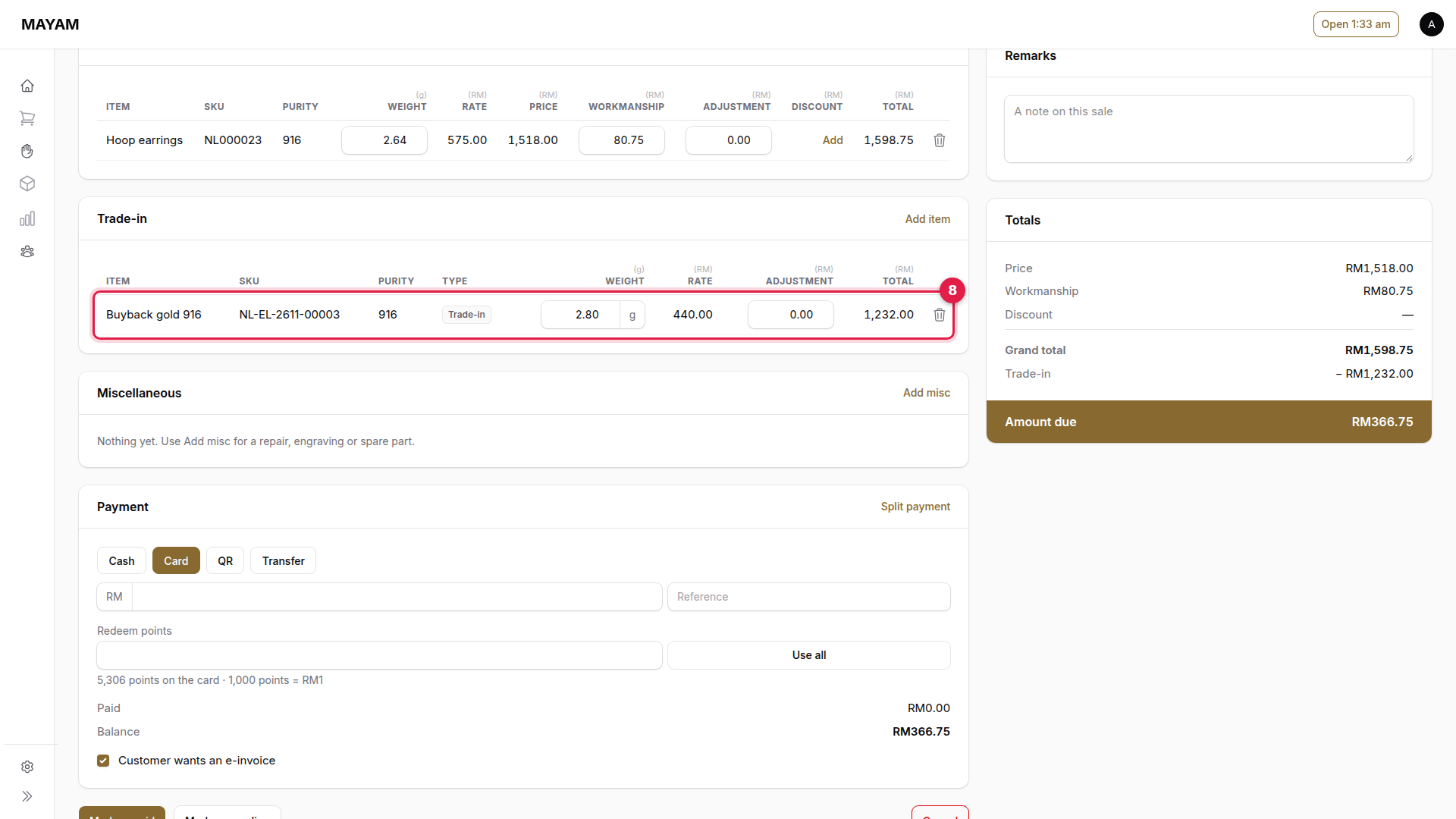
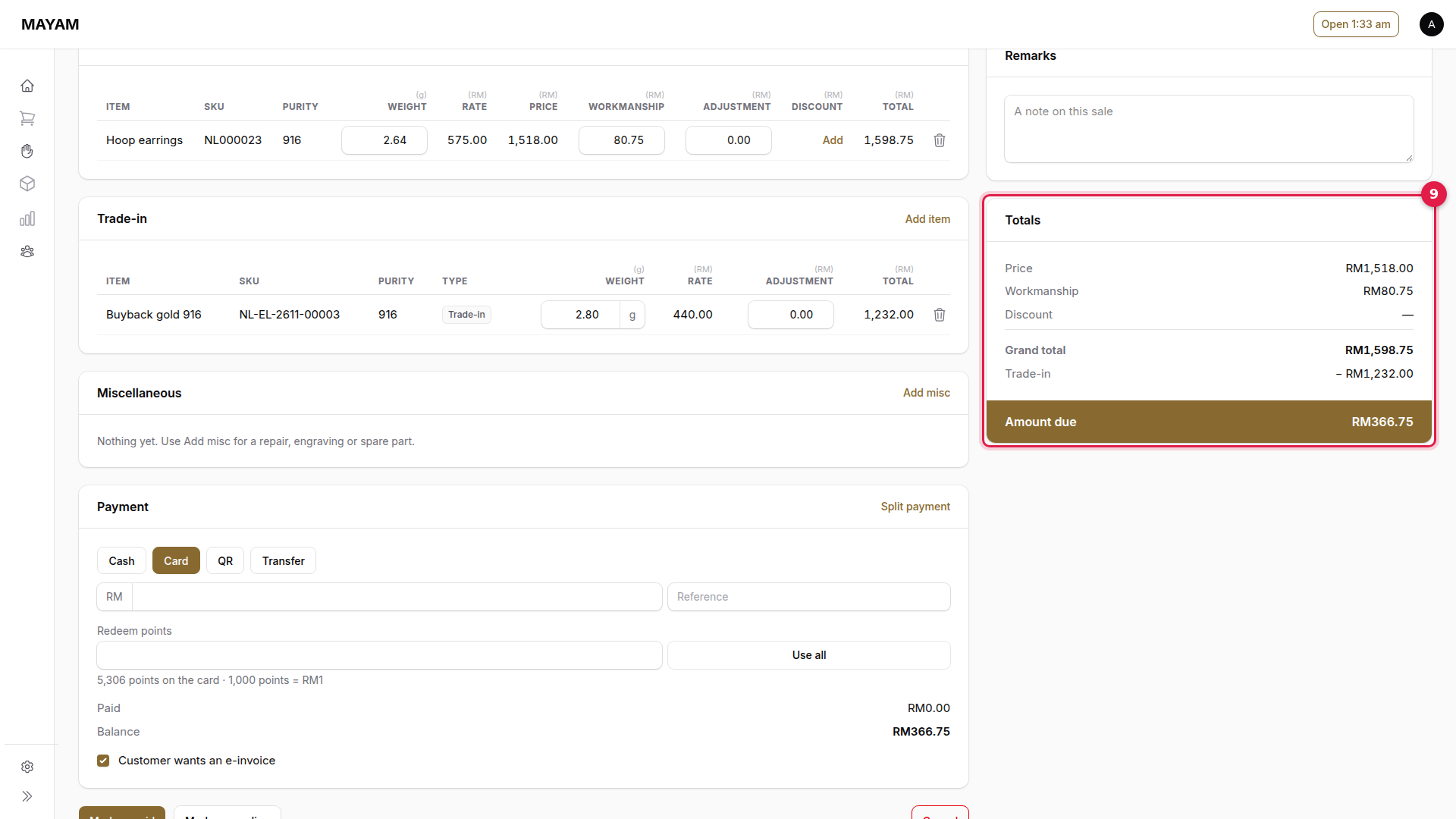
9. Check the amount due
Totals shows the grand total, the trade-in taken off, and the Amount due.
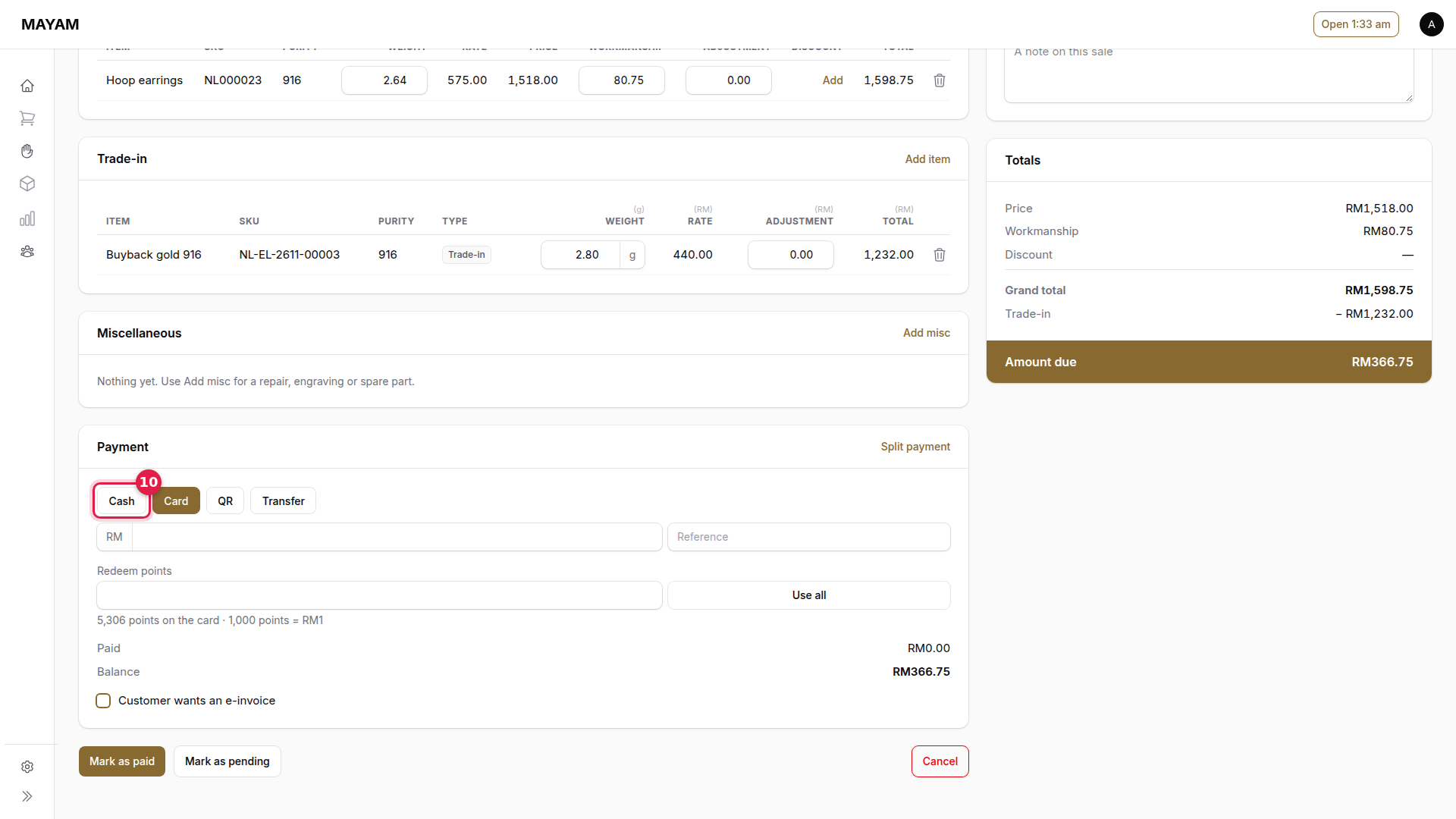
10. Choose how the customer pays the balance
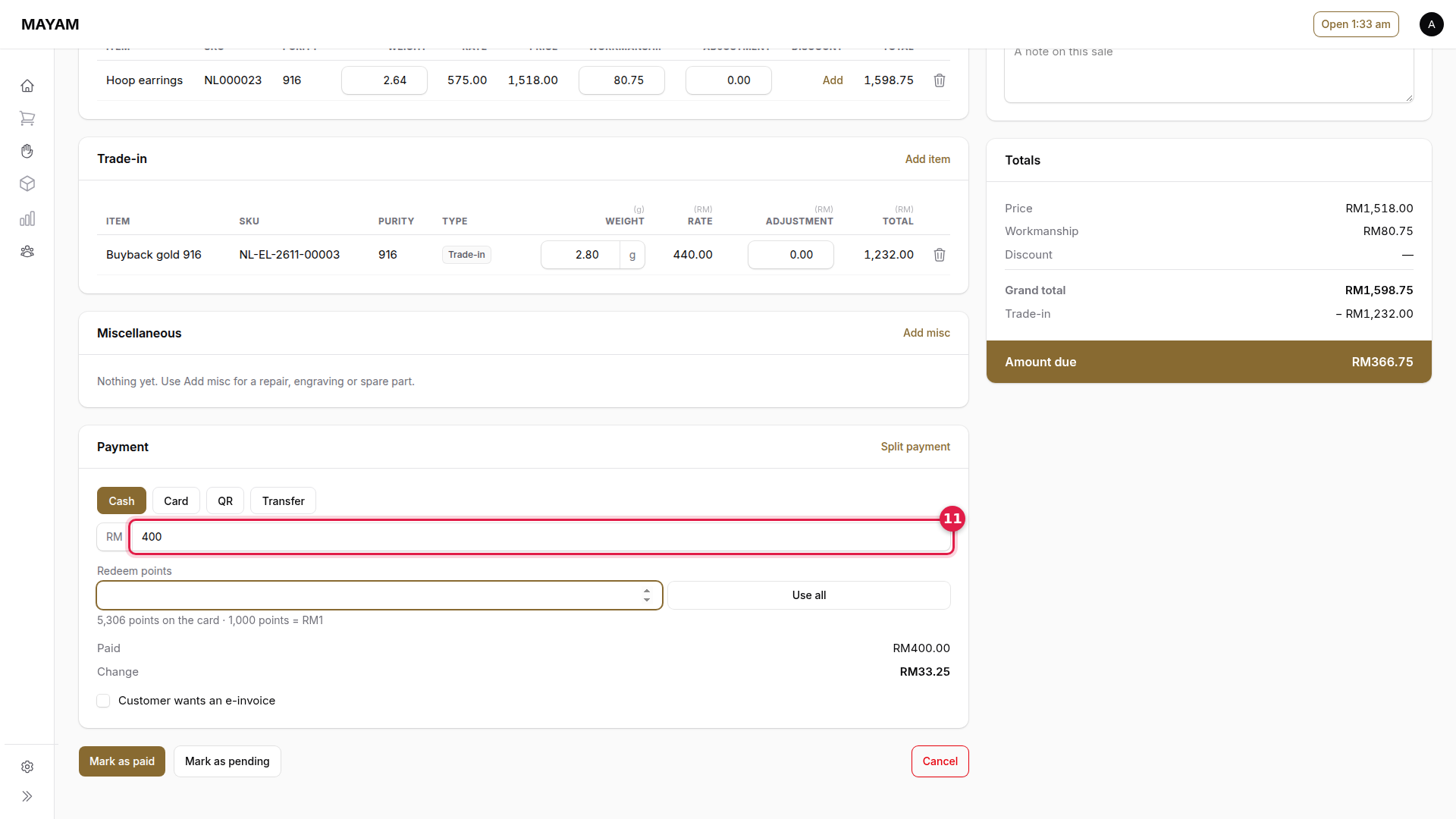
11. Key the amount received
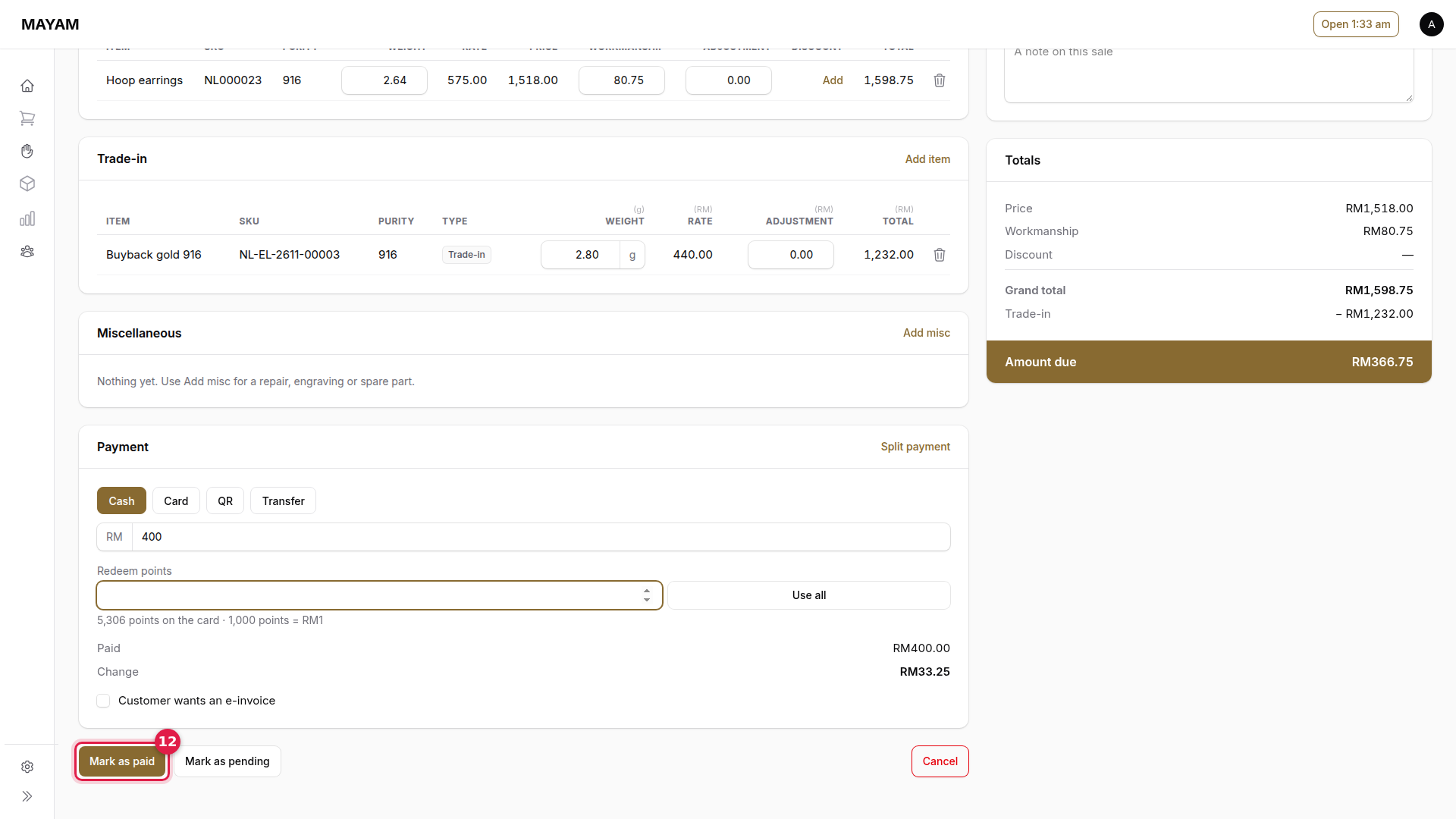
12. Press Mark as paid
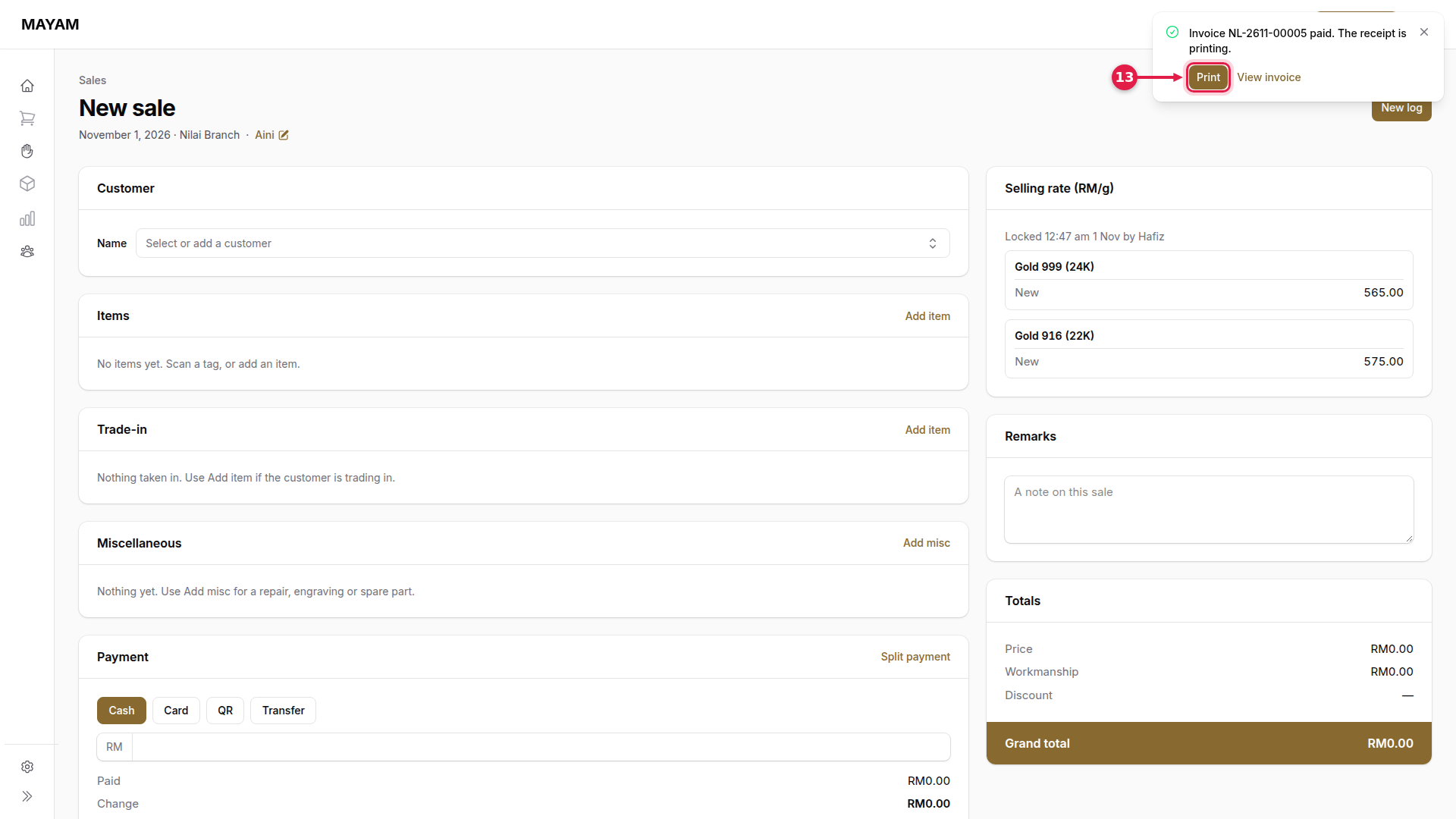
13. Press Print
The invoice and the trade-in voucher print, with a tag for the gold taken in.
{% hint style="info" %} If the trade-in is worth more than the sale, Mayam pays the customer the difference less the shop's charge on cash handed back, by cash or transfer.