Send pieces to another outlet
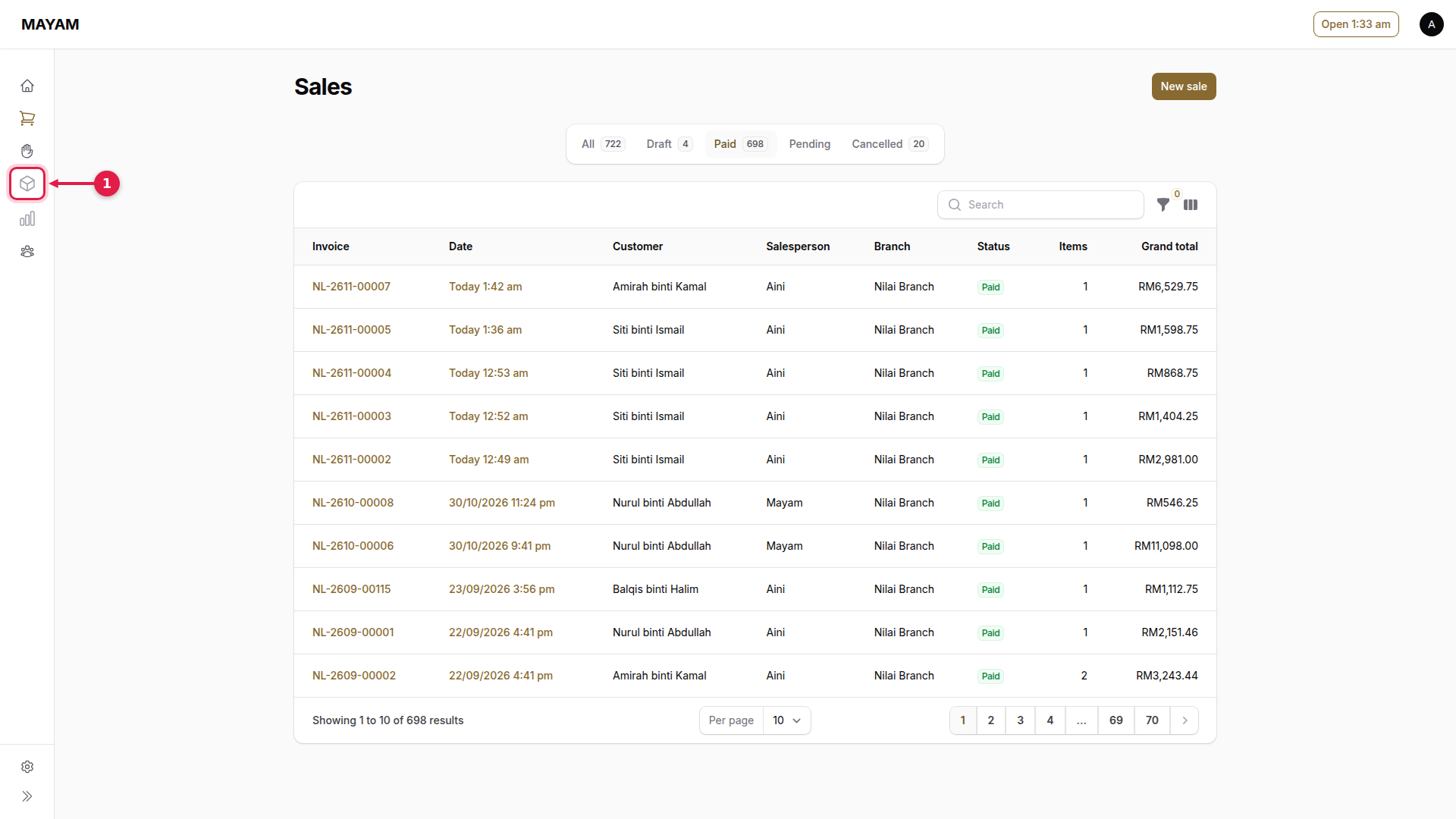
1. Press Inventory
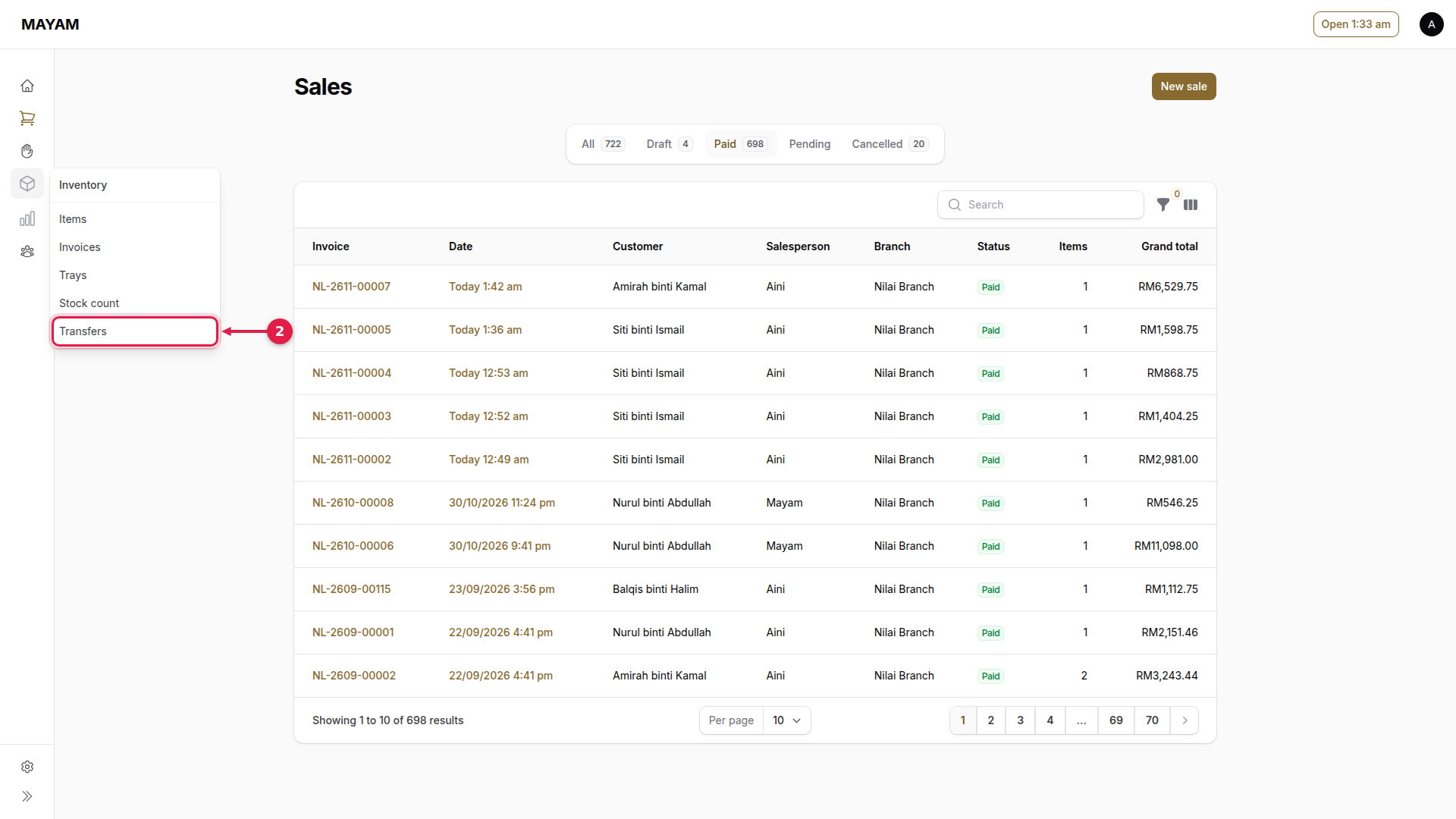
2. Press Transfers
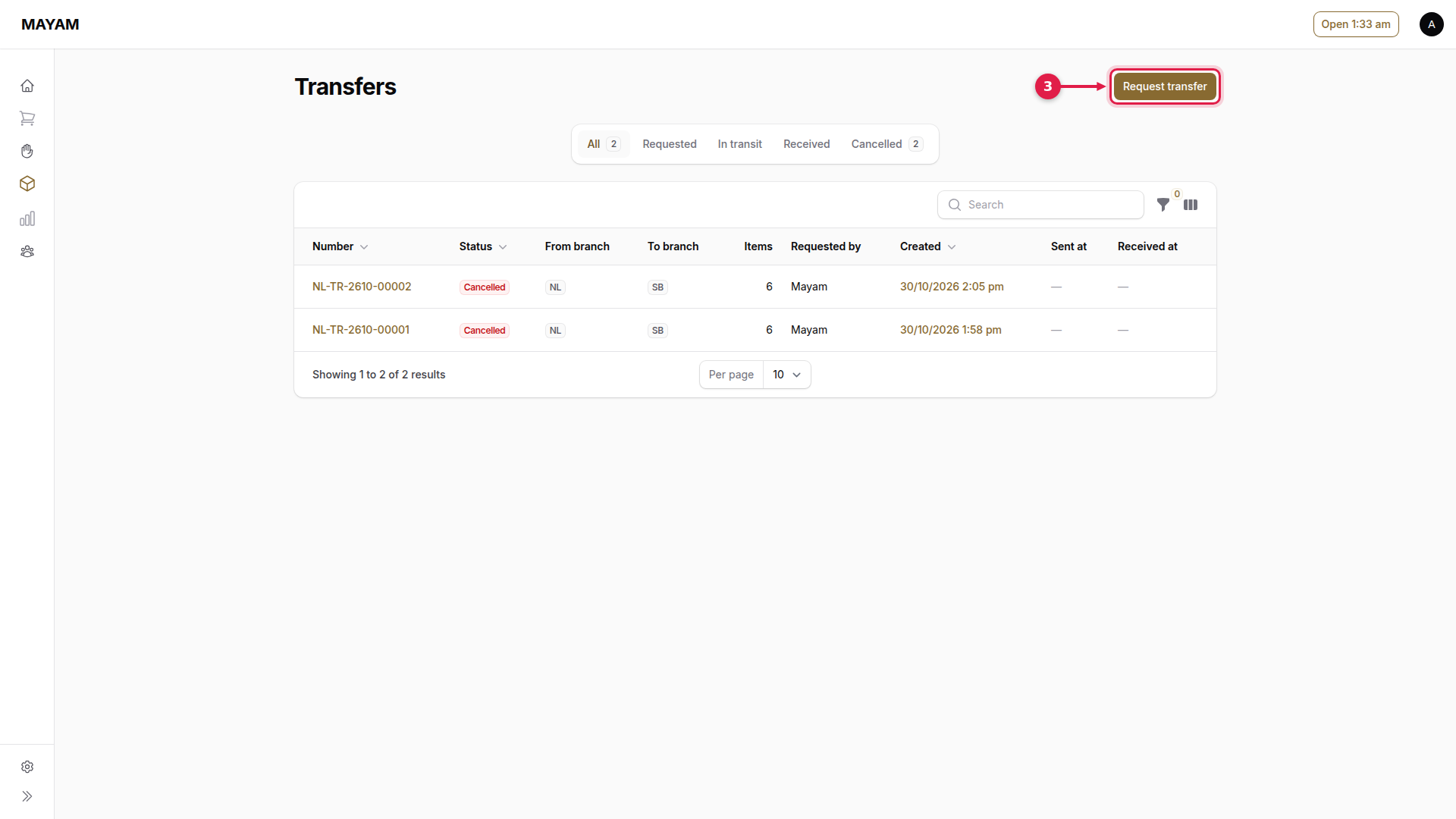
3. Press Request transfer
4. Choose the outlet sending
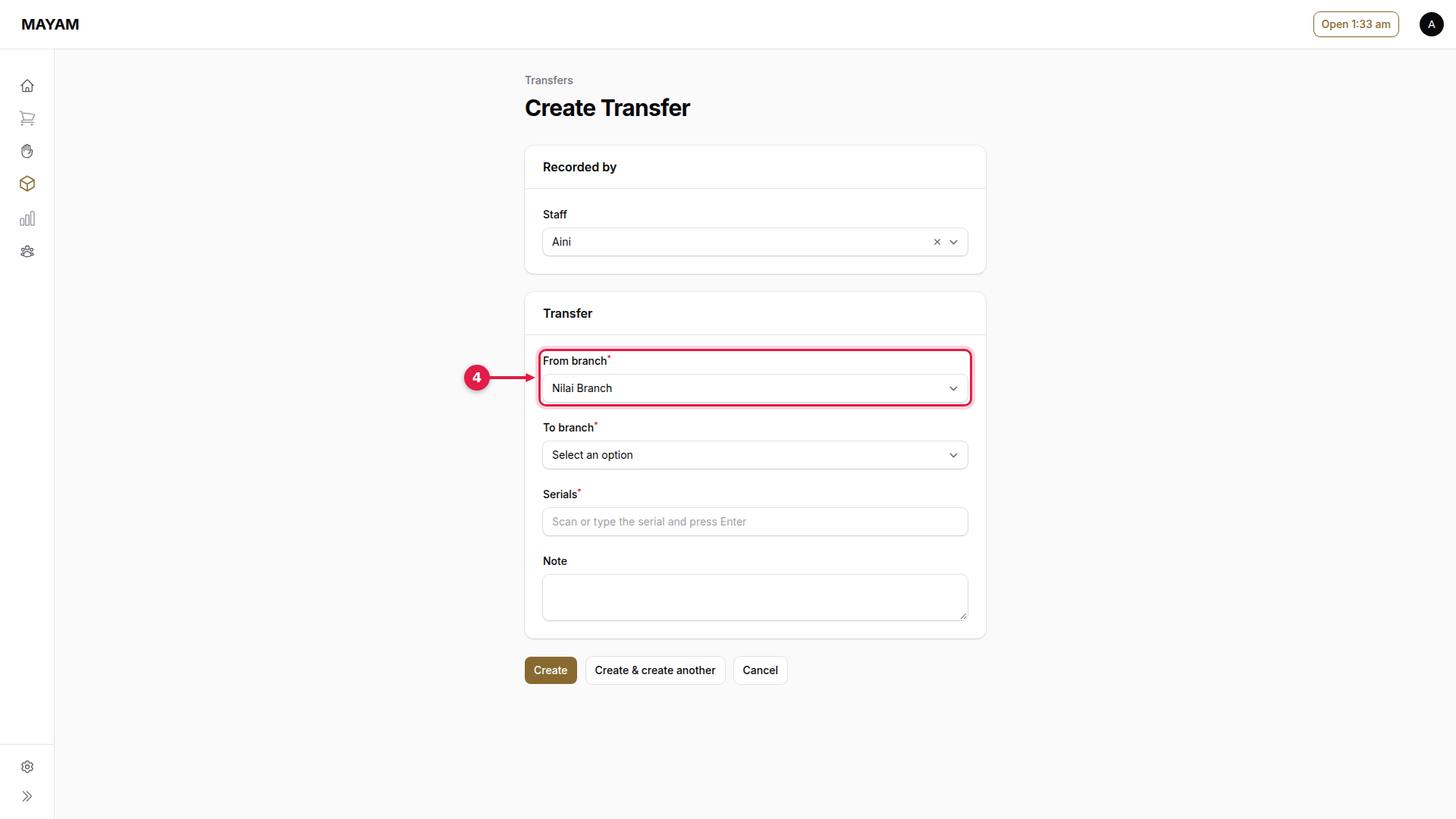
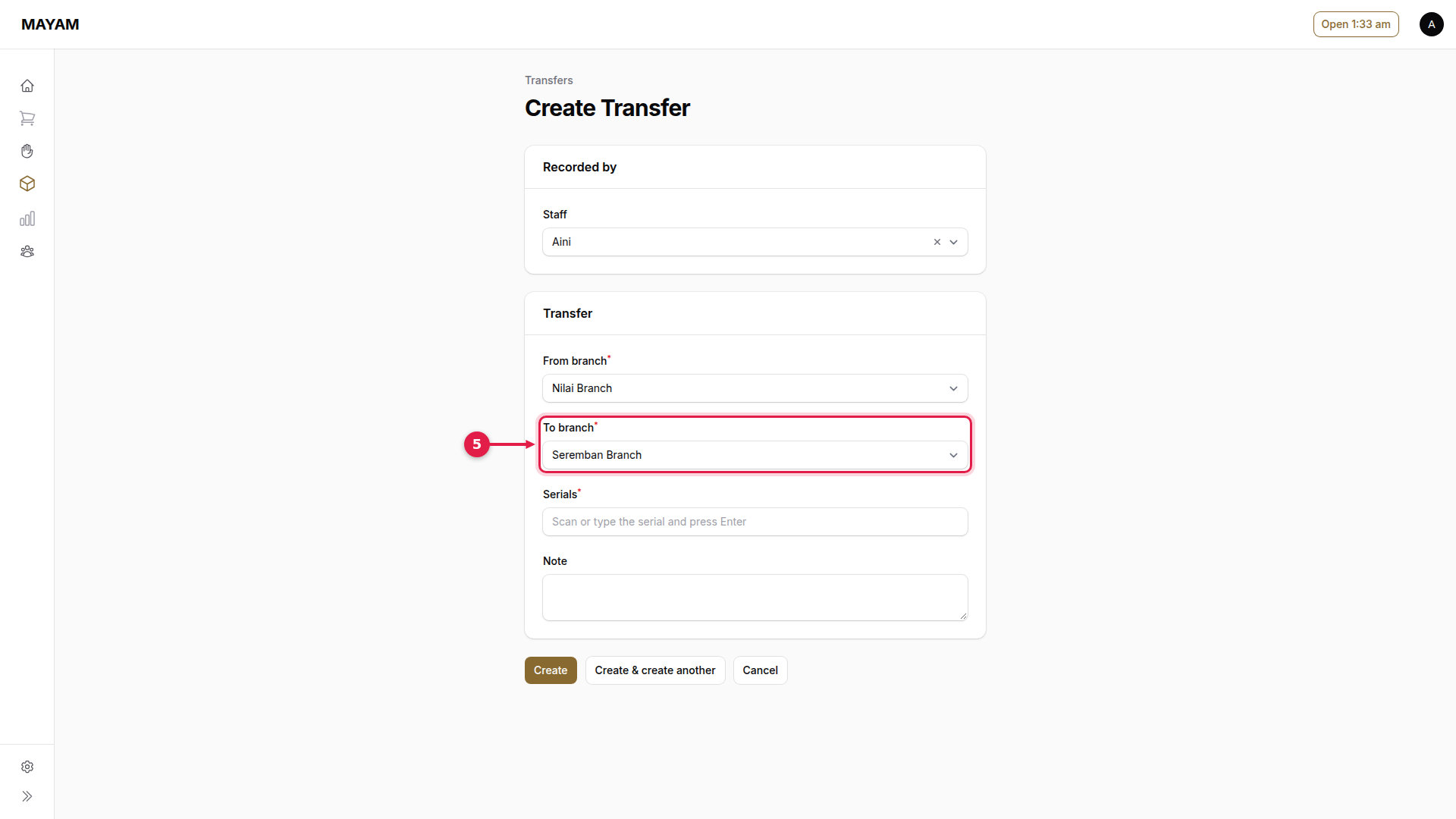
5. Choose the outlet receiving
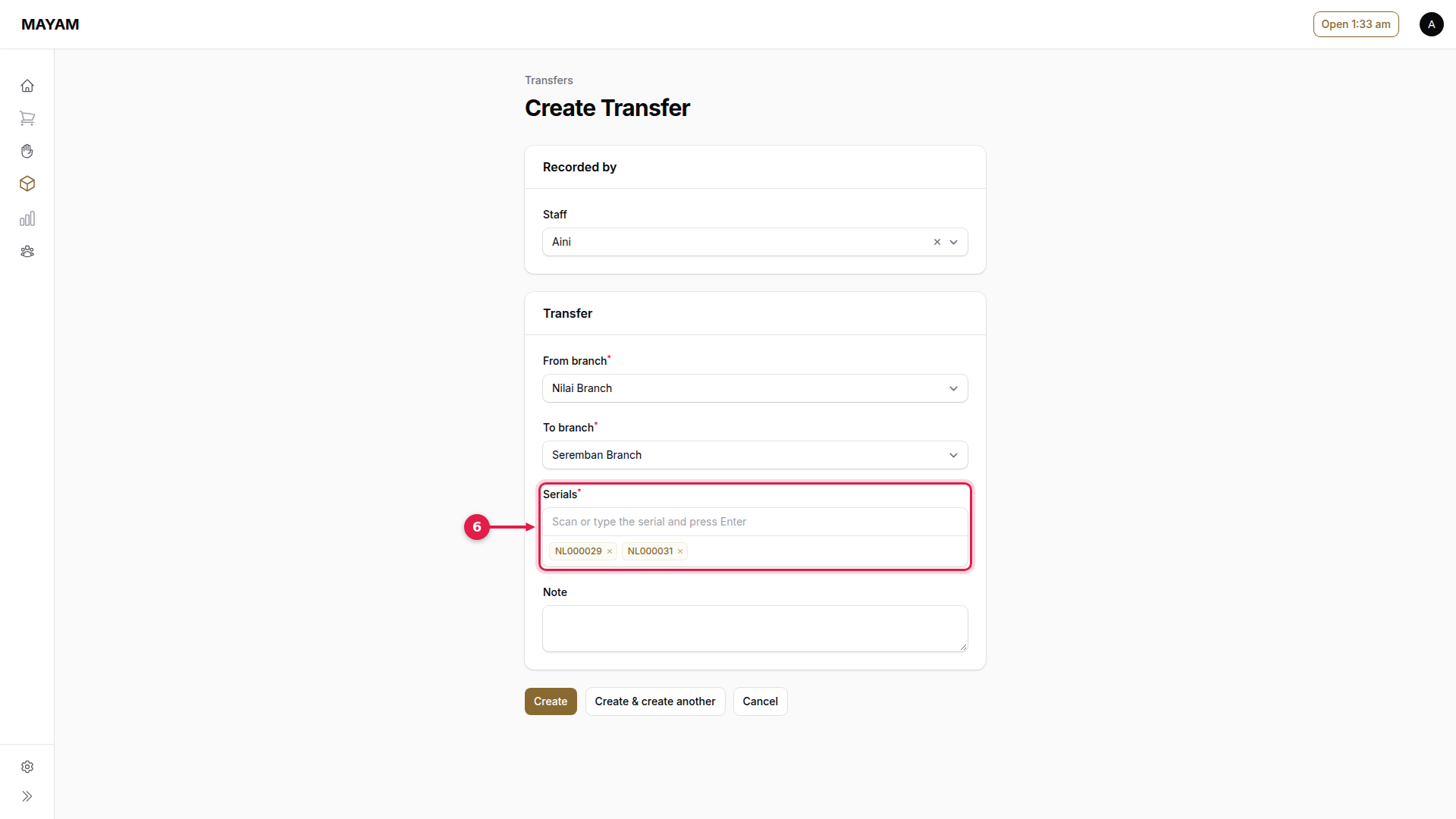
6. Scan or type each serial
Press Enter after each one.
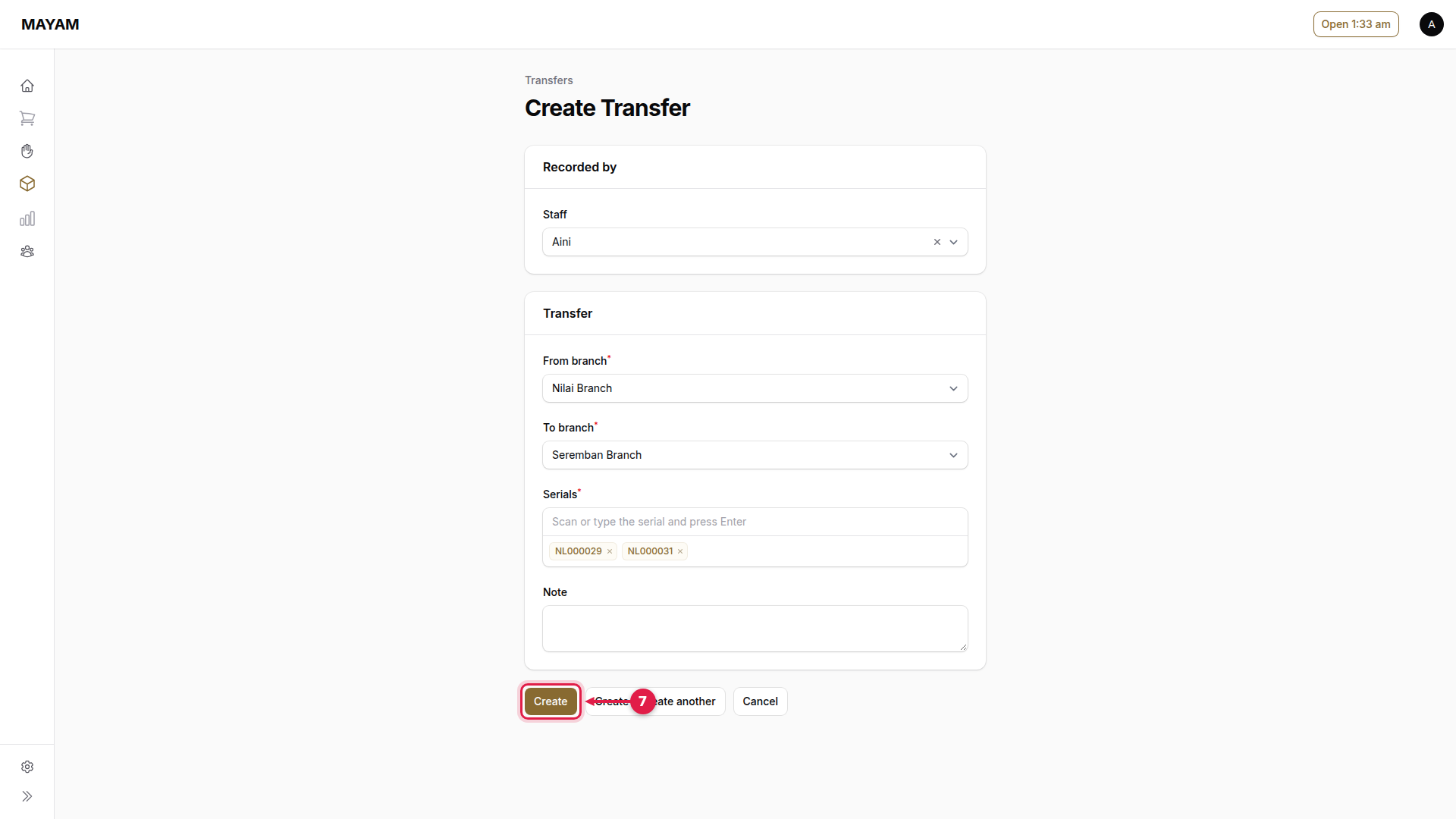
7. Press Create
The pieces are marked in transit.
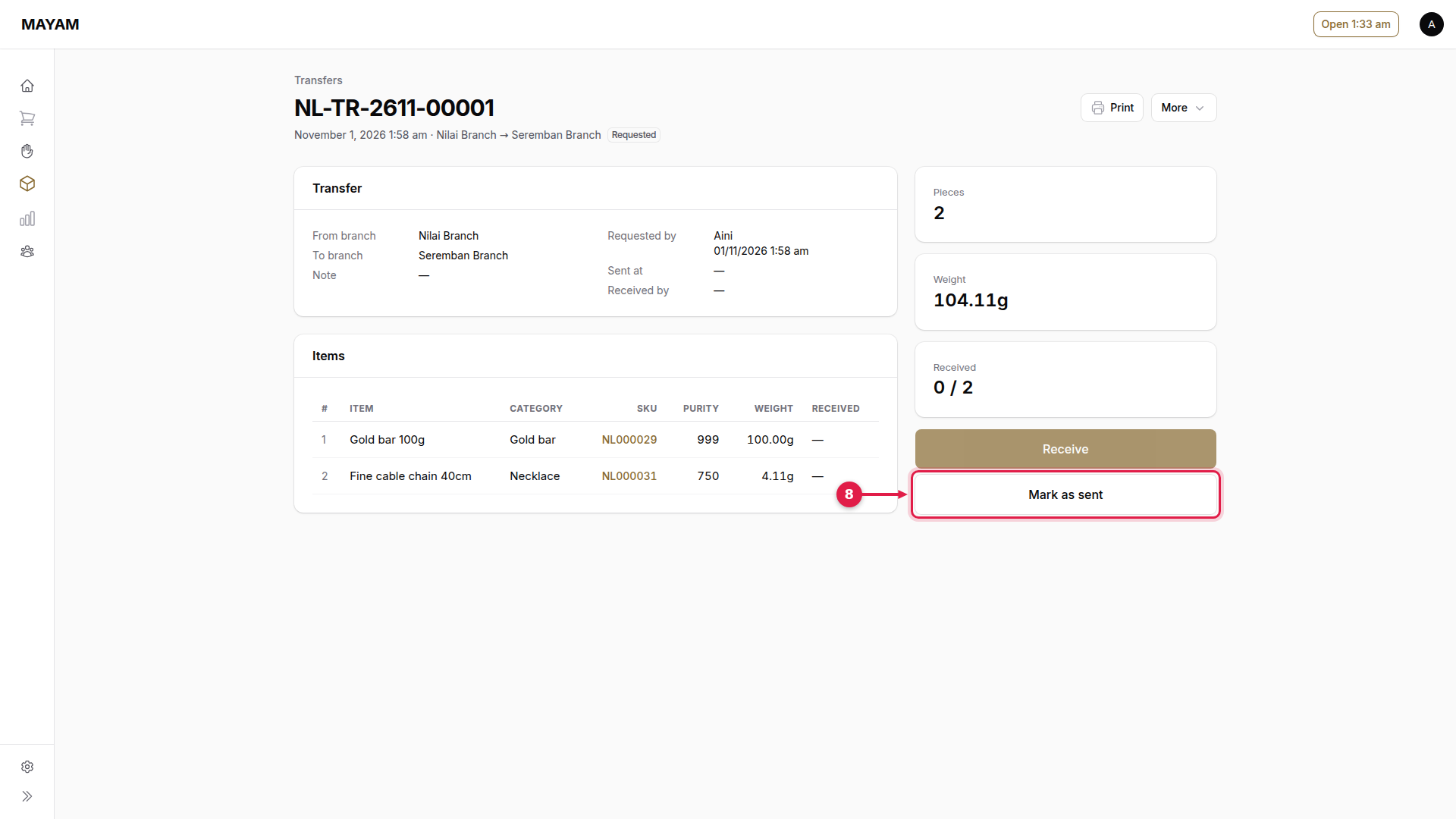
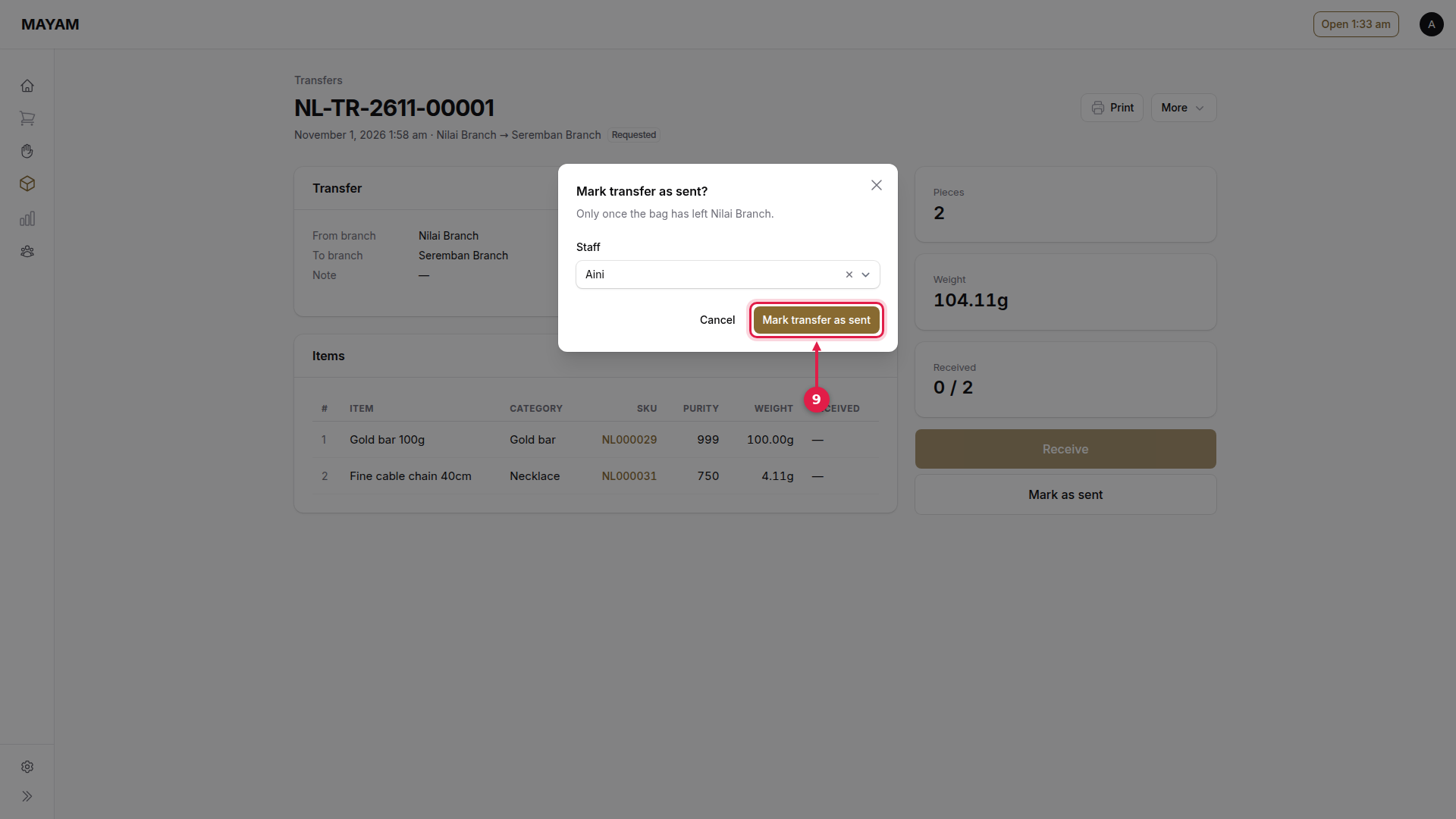
8. Press Mark as sent
When the bag leaves the outlet. Print the transfer sheet to go with it.
9. Press Mark transfer as sent
The receiving outlet then follows Receive a transfer.