Take in a service job
Use Service for repairs, polishing, cutting and spare parts that are not a piece from the tray.
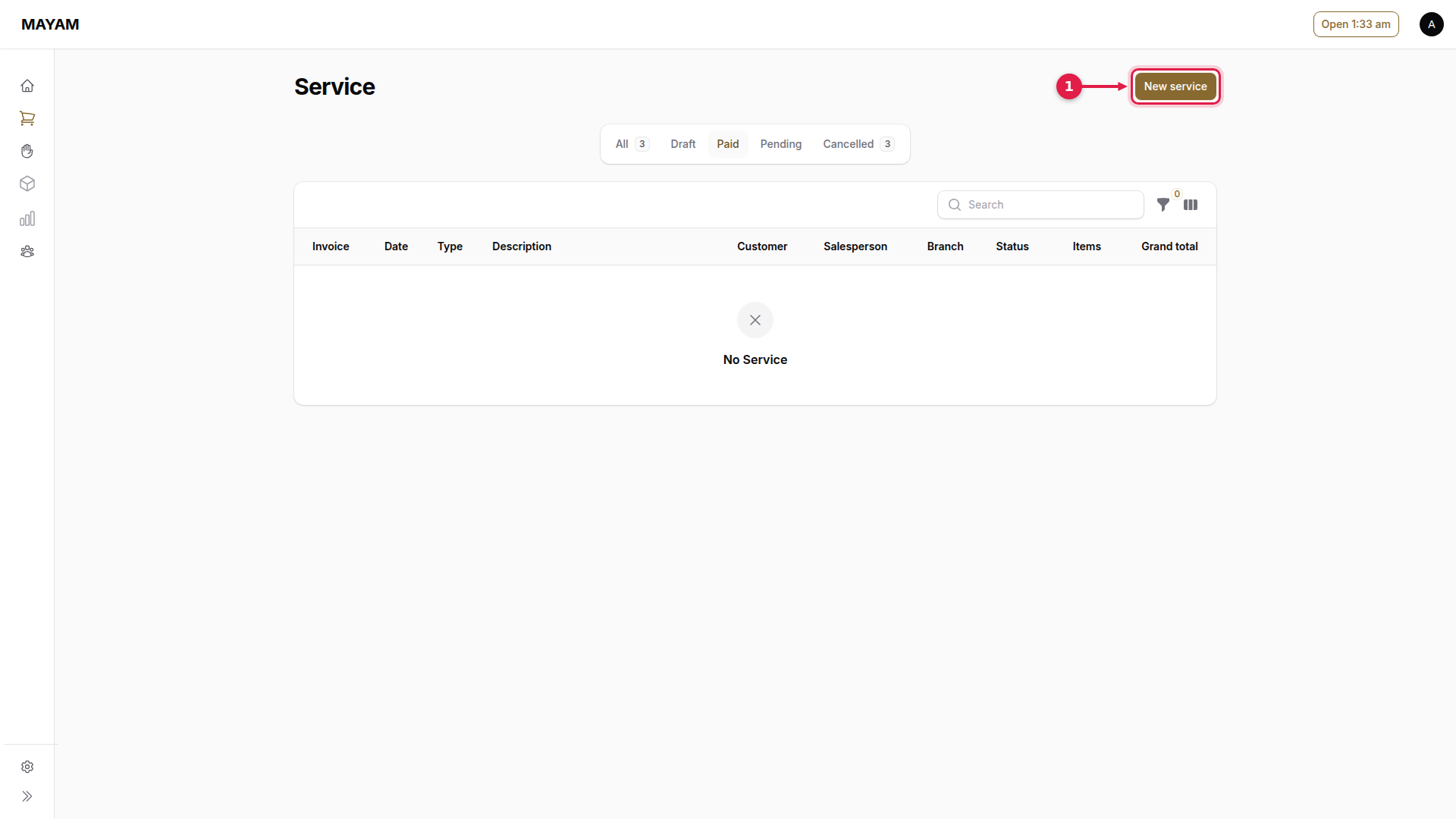
1. Press New service
Go to Counter → Service and press New service.
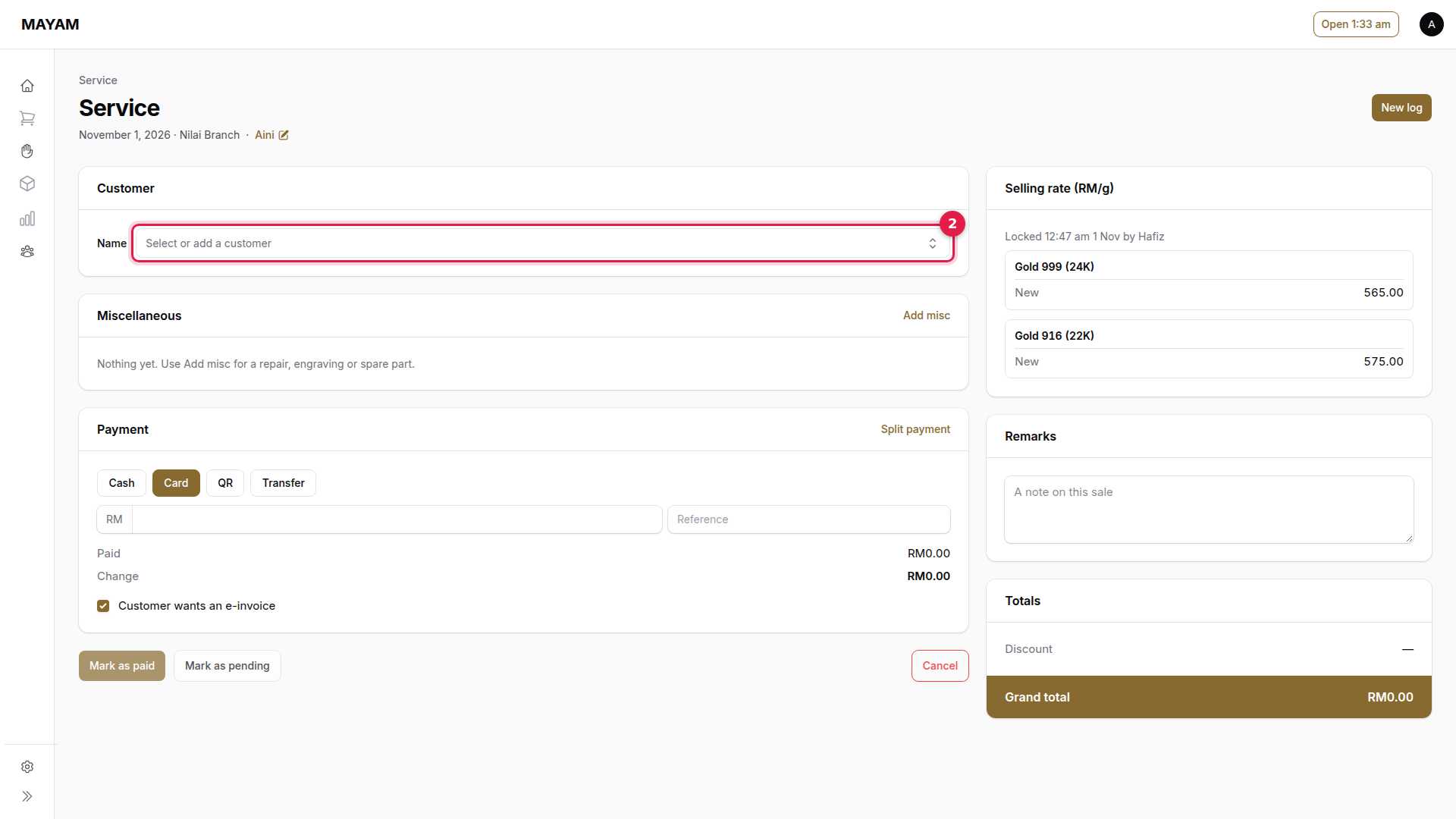
2. Press the Name box
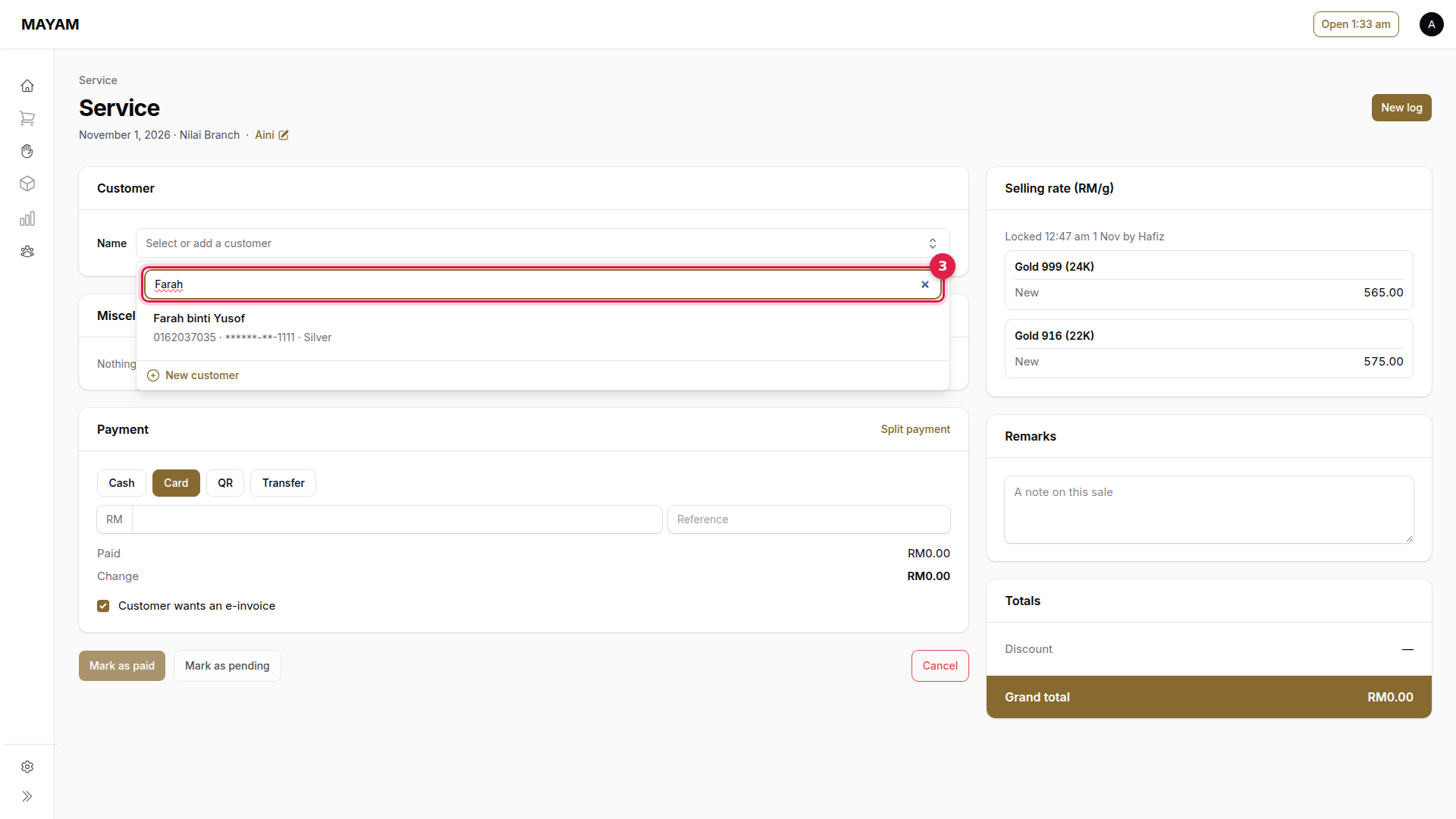
3. Search for the customer
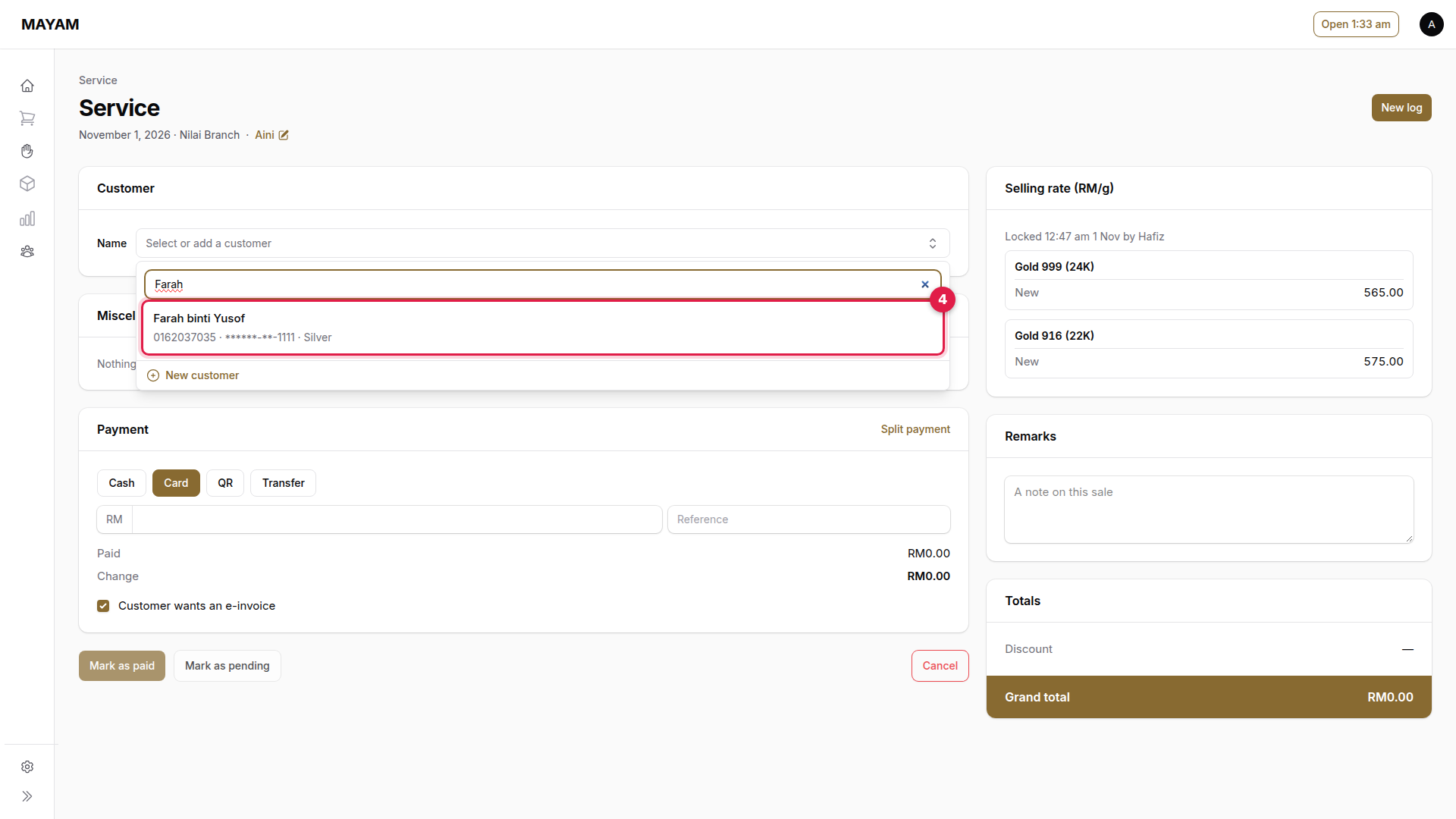
4. Pick the customer
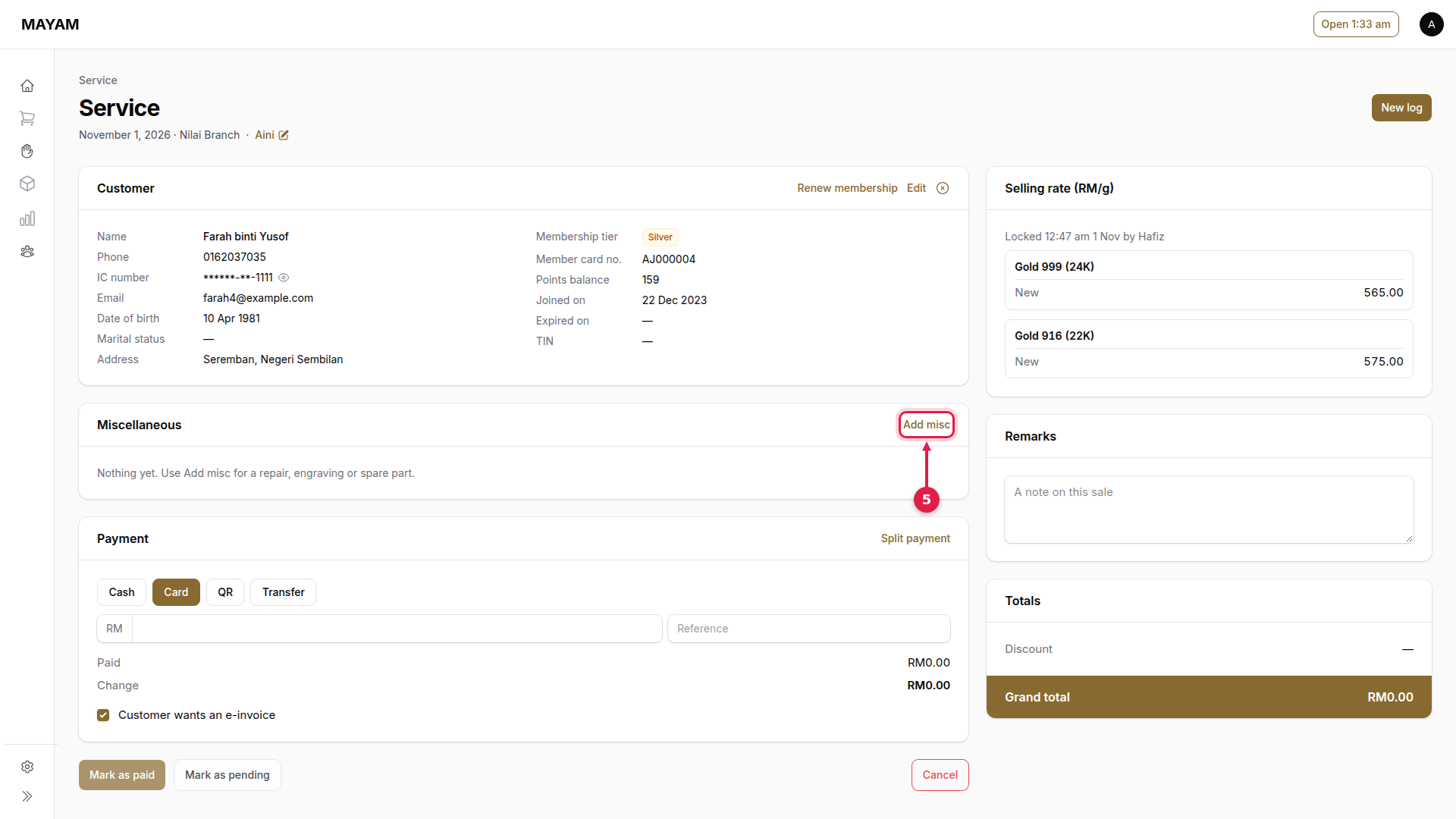
5. Press Add misc
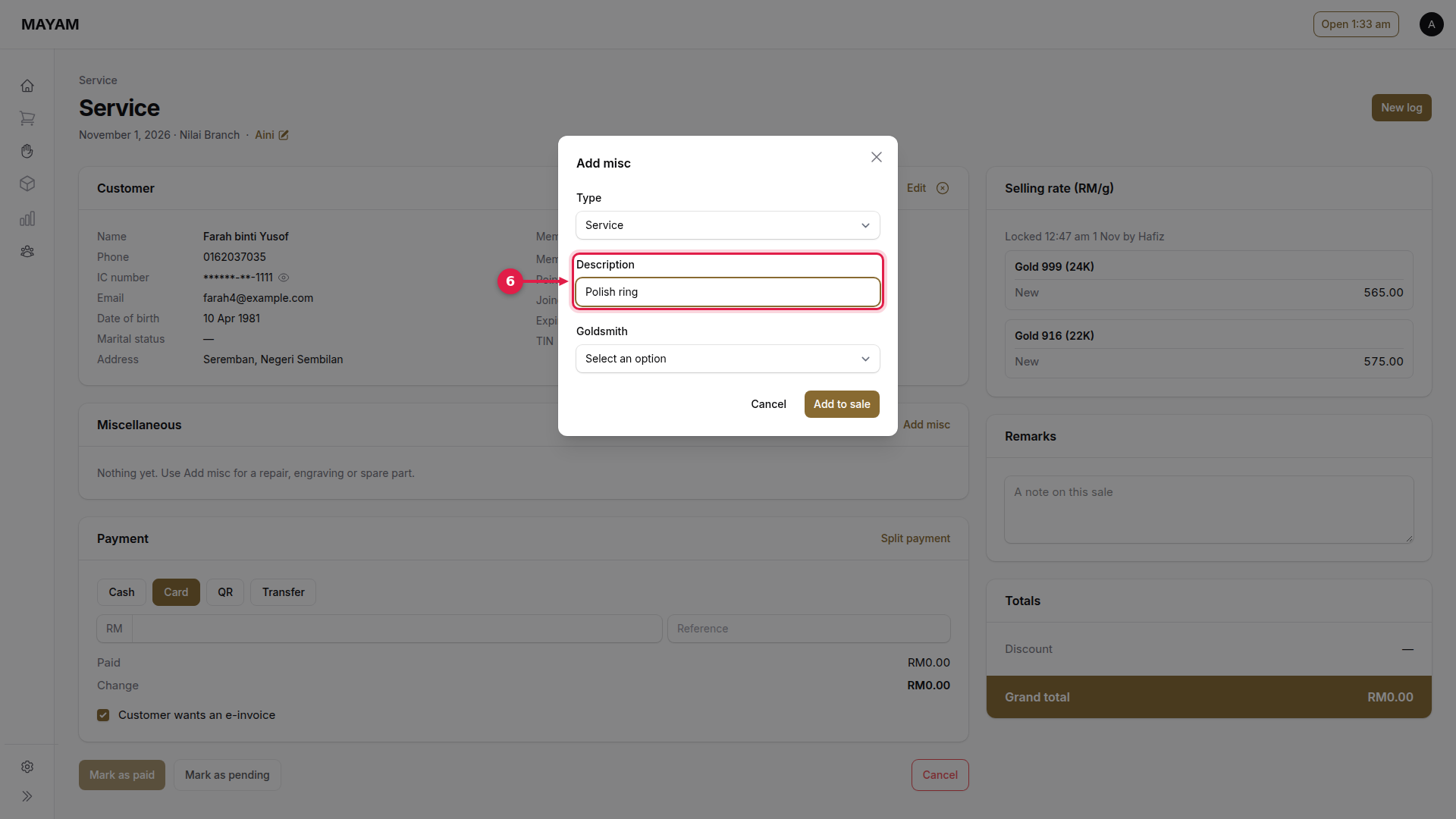
6. Key the description
What is being done, for example "Polish ring". Type is Service; choose Spare part for a part sold by weight.
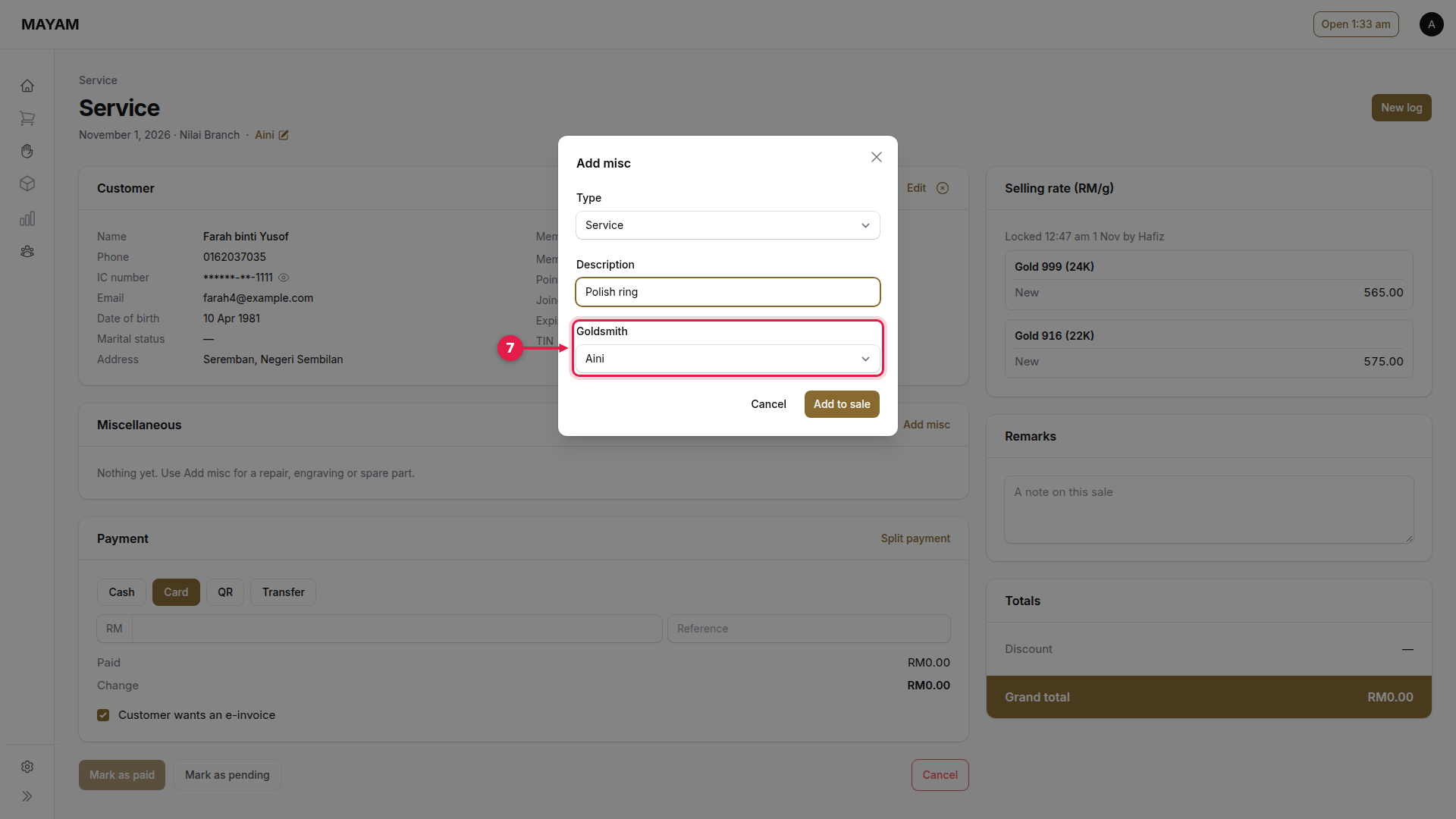
7. Choose the goldsmith
Who does the work.
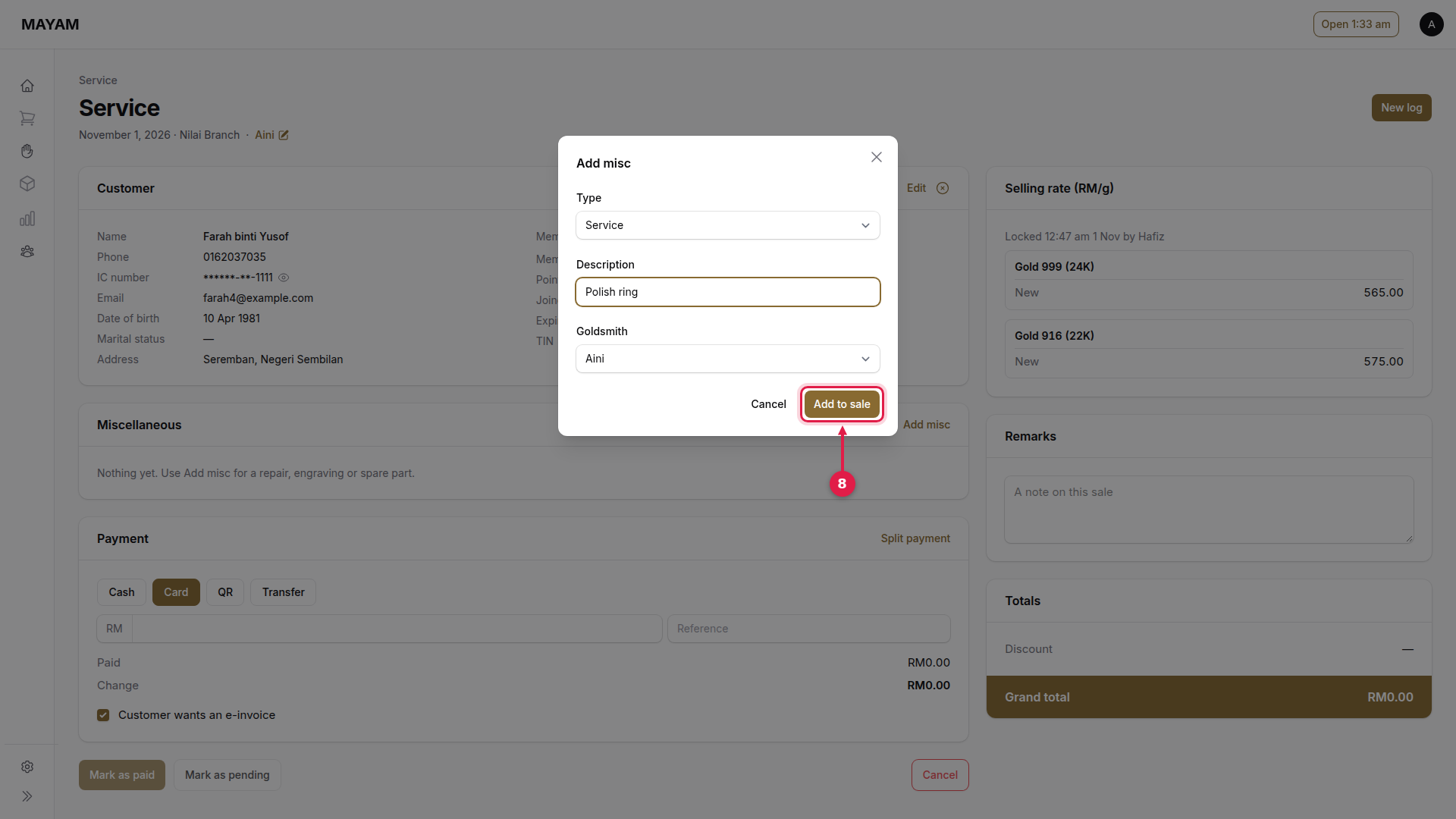
8. Press Add to sale
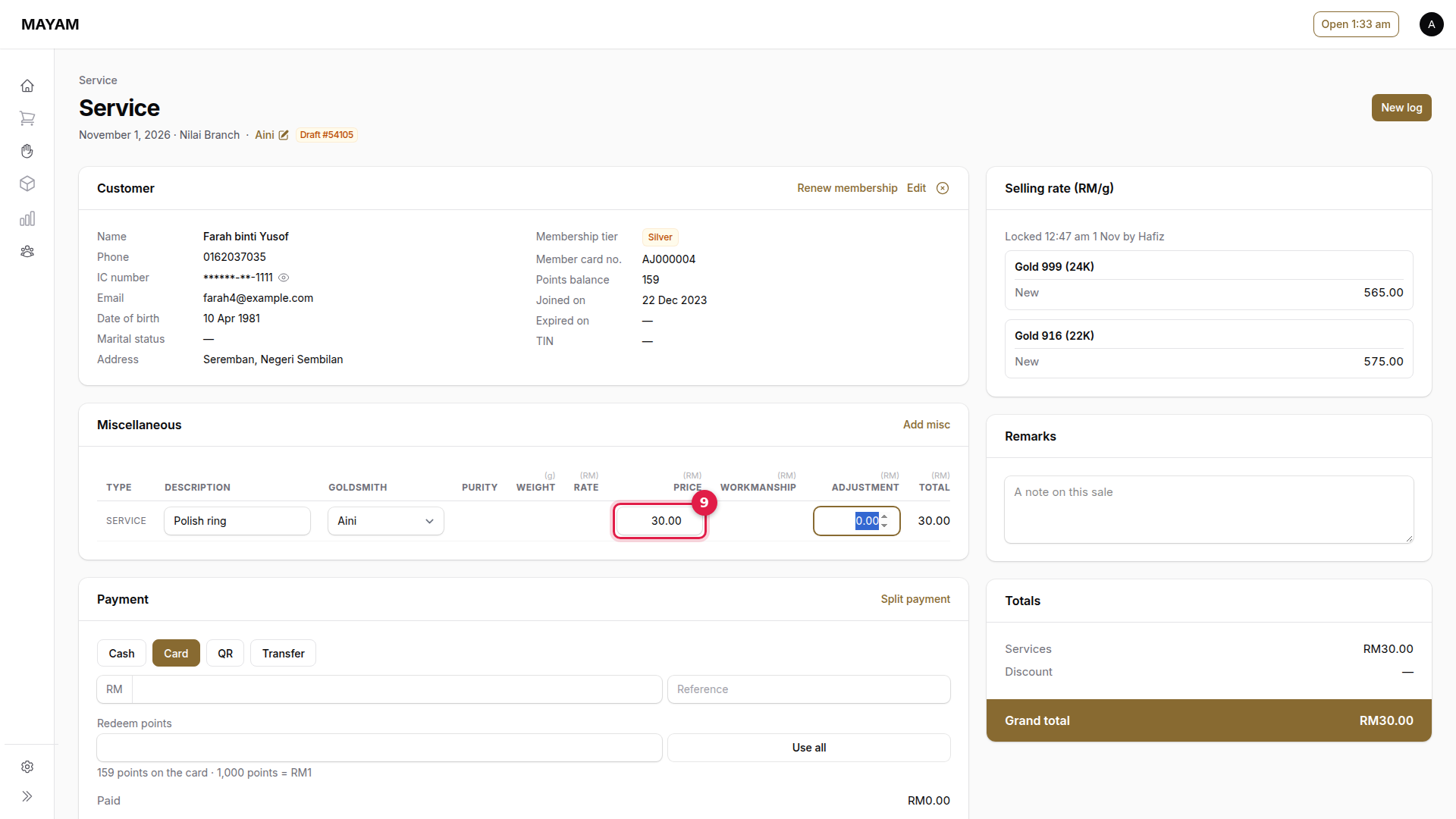
9. Key the price
On the line, in Price.
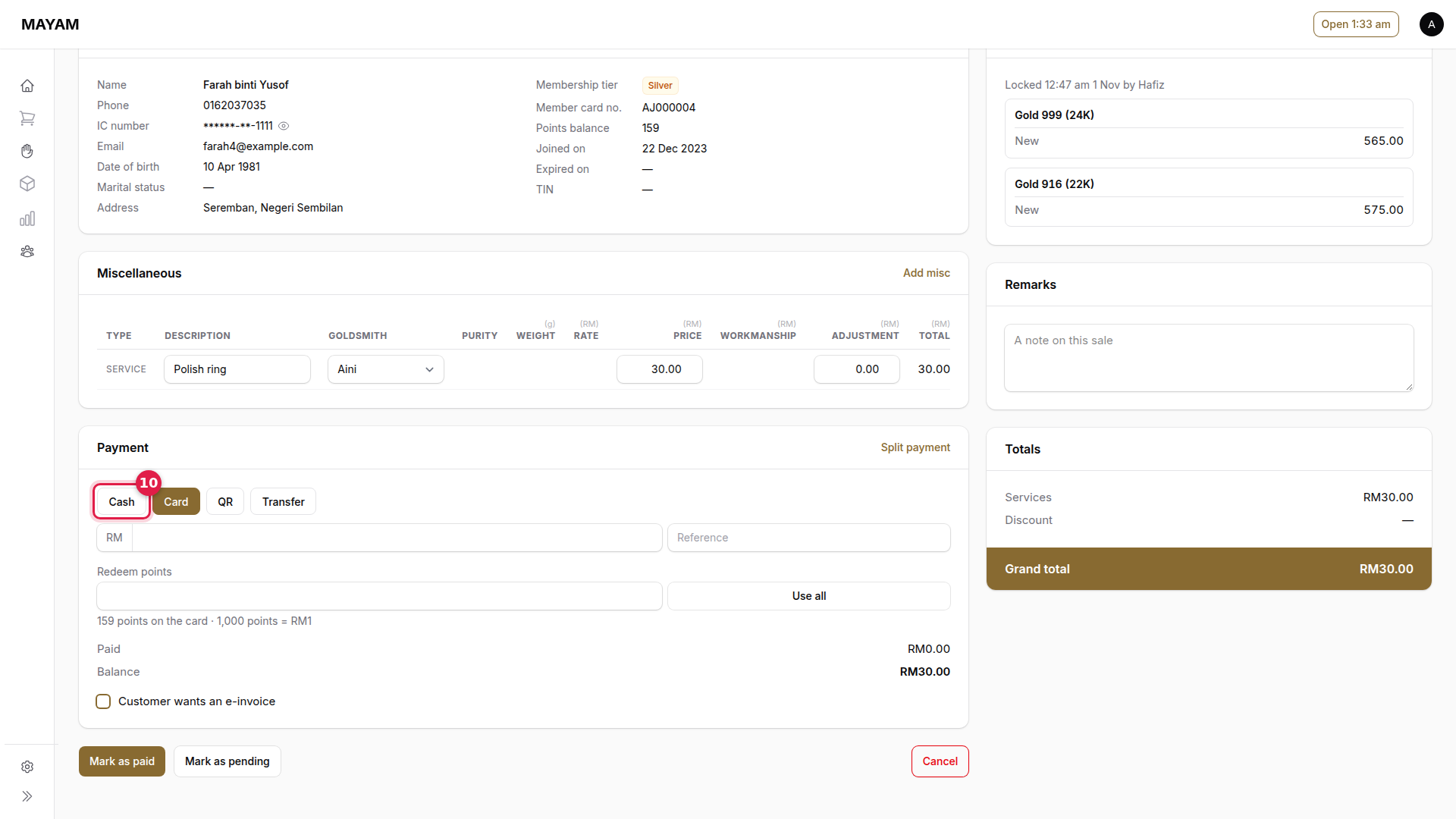
10. Choose how the customer pays
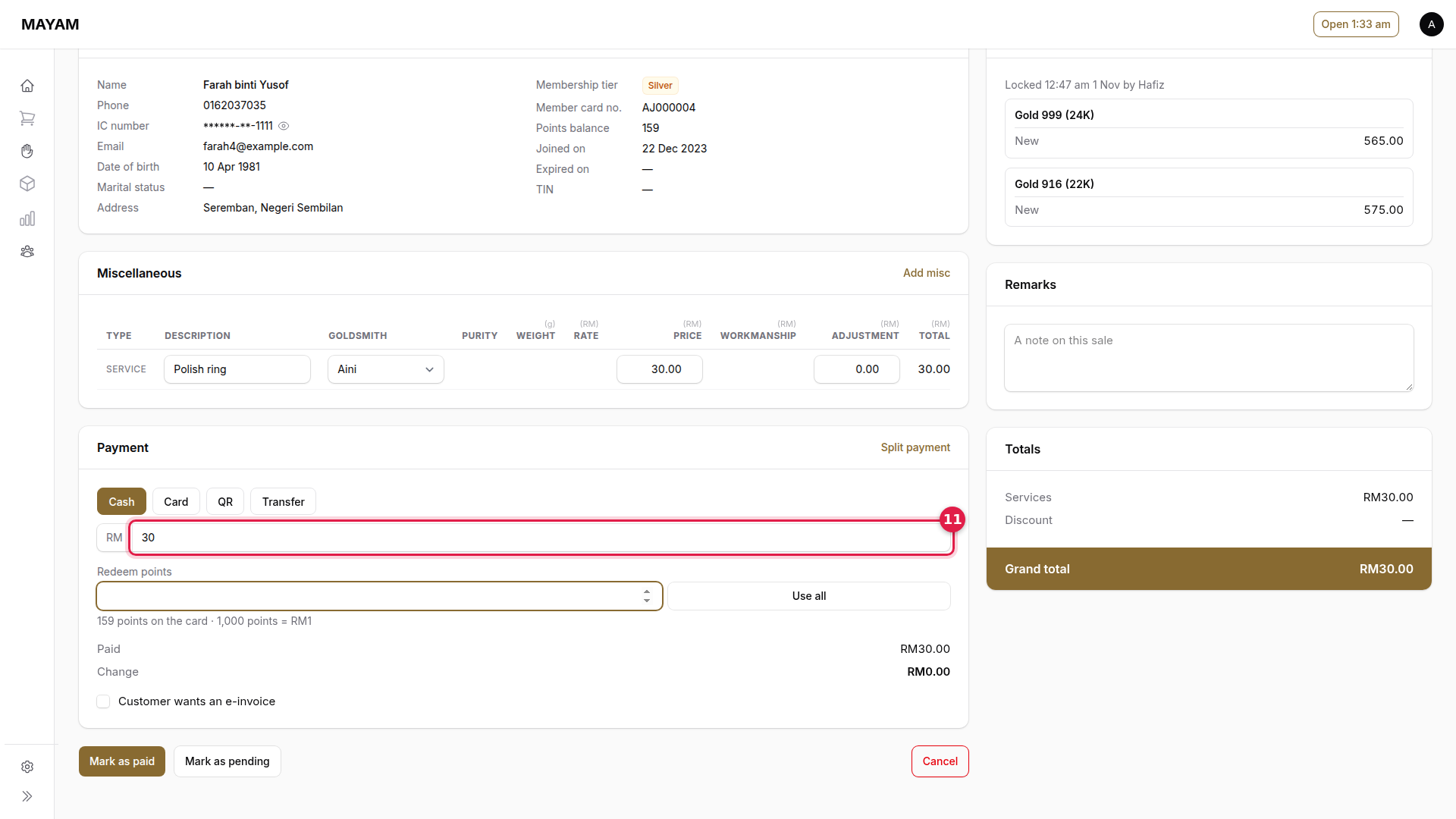
11. Key the amount received
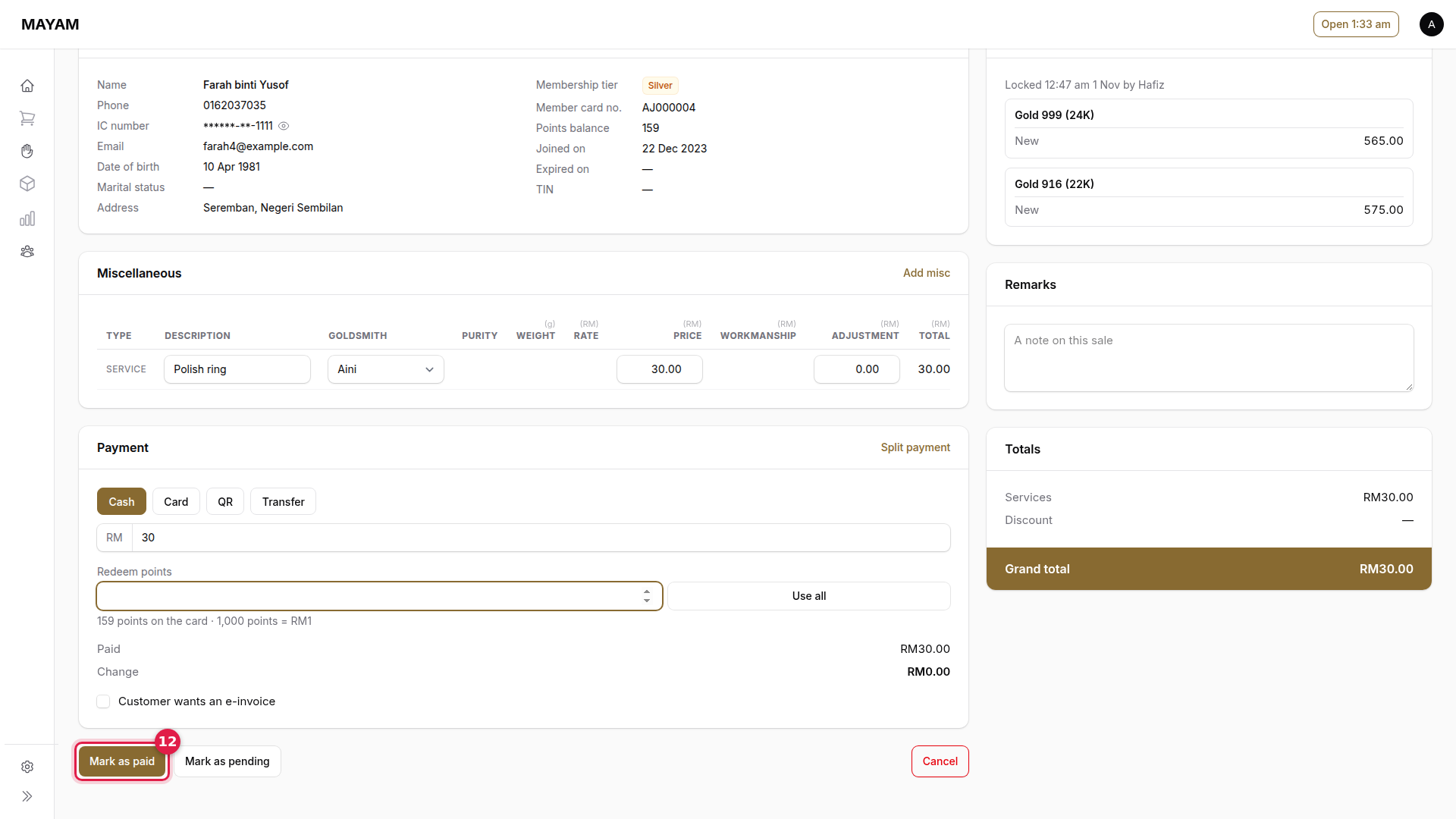
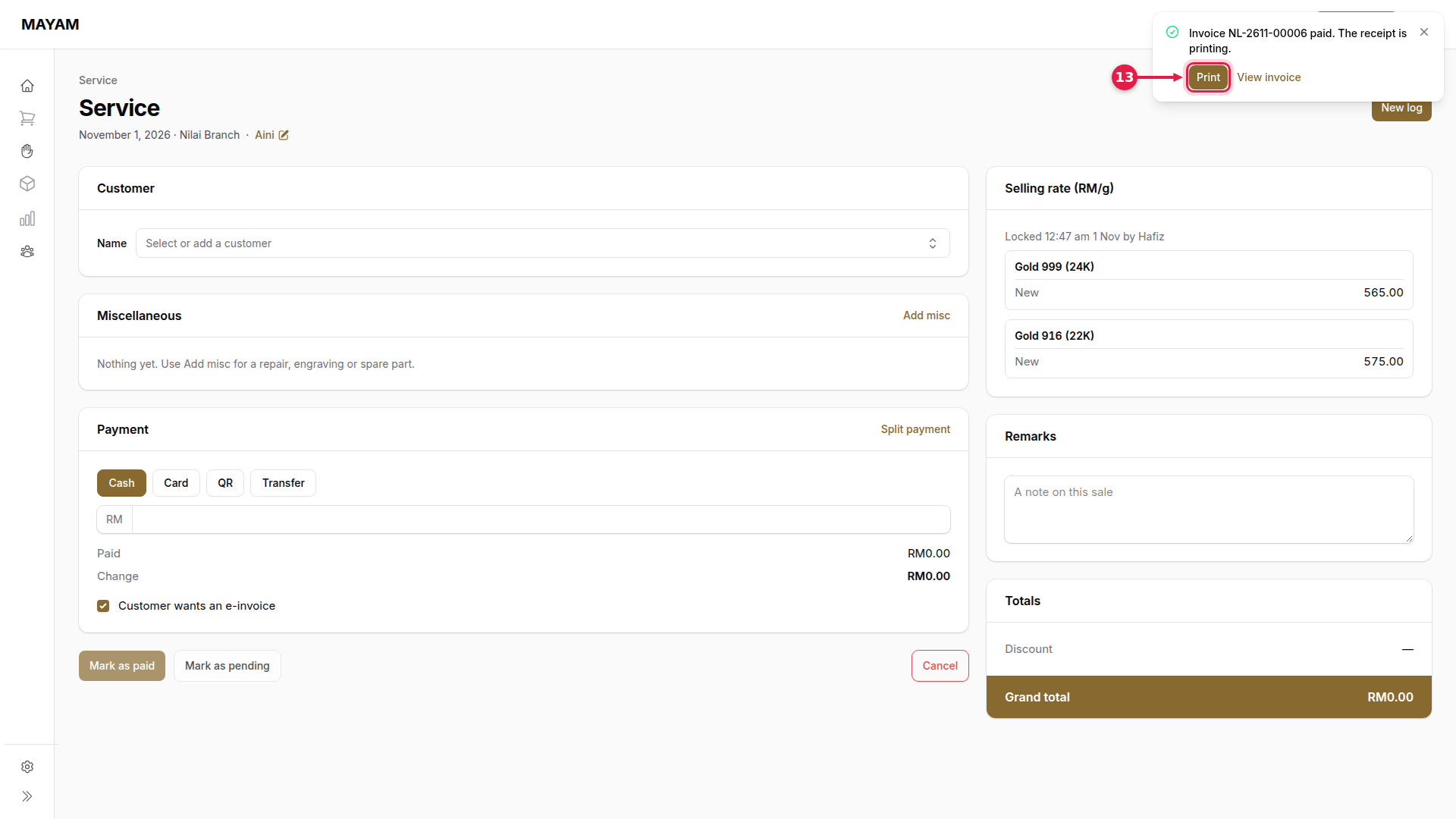
12. Press Mark as paid
13. Press Print
{% hint style="info" %} A service can also be added to a sale with Add misc on the sales counter. It is printed as its own service invoice.